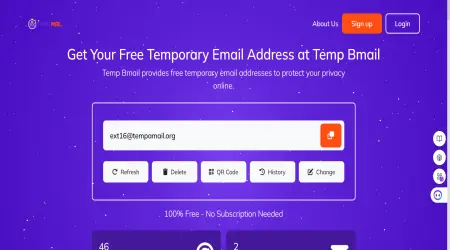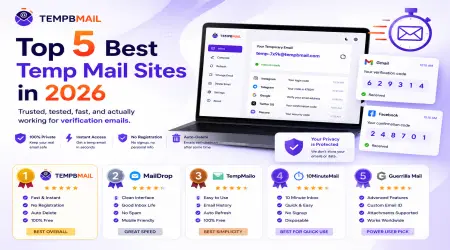

Top 5 Best Temp Mail Sites in 2026 — Trusted, Tested, and Actually Working
If you want a quick, reliable answer to “which temp mail site should I use?” — this is that article.
We’ve already published a full 10-service comparison with detailed test data if you want the deep dive. This one is shorter and more direct: five services, personally tested, ranked with honest opinions on what each one actually does well and where it falls short. No filler, no hype.
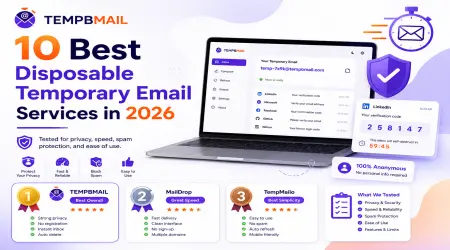
Want the full data? Read our 10 Best Disposable Temporary Email Services in 2026 — every service tested across five criteria with real numbers.
What Makes a Temp Mail Service Actually Good in 2026?
The bar has shifted. A few years ago, “it generates an address and receives email” was enough to be considered a good service. In 2026, there are a few more things that separate the genuinely useful tools from the ones that will frustrate you within five minutes.
- Speed; verification codes on many platforms expire in 10 minutes or less. A service that takes 15 seconds to show you an email is fine. One that takes 90 seconds is not.
- Domain acceptance; platforms are maintaining increasingly aggressive blocklists of known disposable email domains. A service with only one domain will eventually fail you on the sites that matter most.
- Mobile usability; over half of temp mail usage happens on phones. If the interface requires zooming, horizontal scrolling, or an app download, it’s not fit for purpose in 2026.
- Privacy practices: a tool designed to protect your inbox shouldn’t have a vague or non-existent privacy policy. The best services explicitly state they don’t log IP addresses or sell data.
- Ad load: excessive advertising in the inbox interface is both annoying and, in some cases, a sign that your session data is being monetised in ways the service hasn’t disclosed.
Quick-glance summary
#1 Temp Bmail — Best overall for 2026
⚡ Speed: 3.2s avg ⊘ Block rate: 20% 📱 Mobile: 5/5 🔒 Privacy: 5/5 📢 Ads: 5/5 (none)
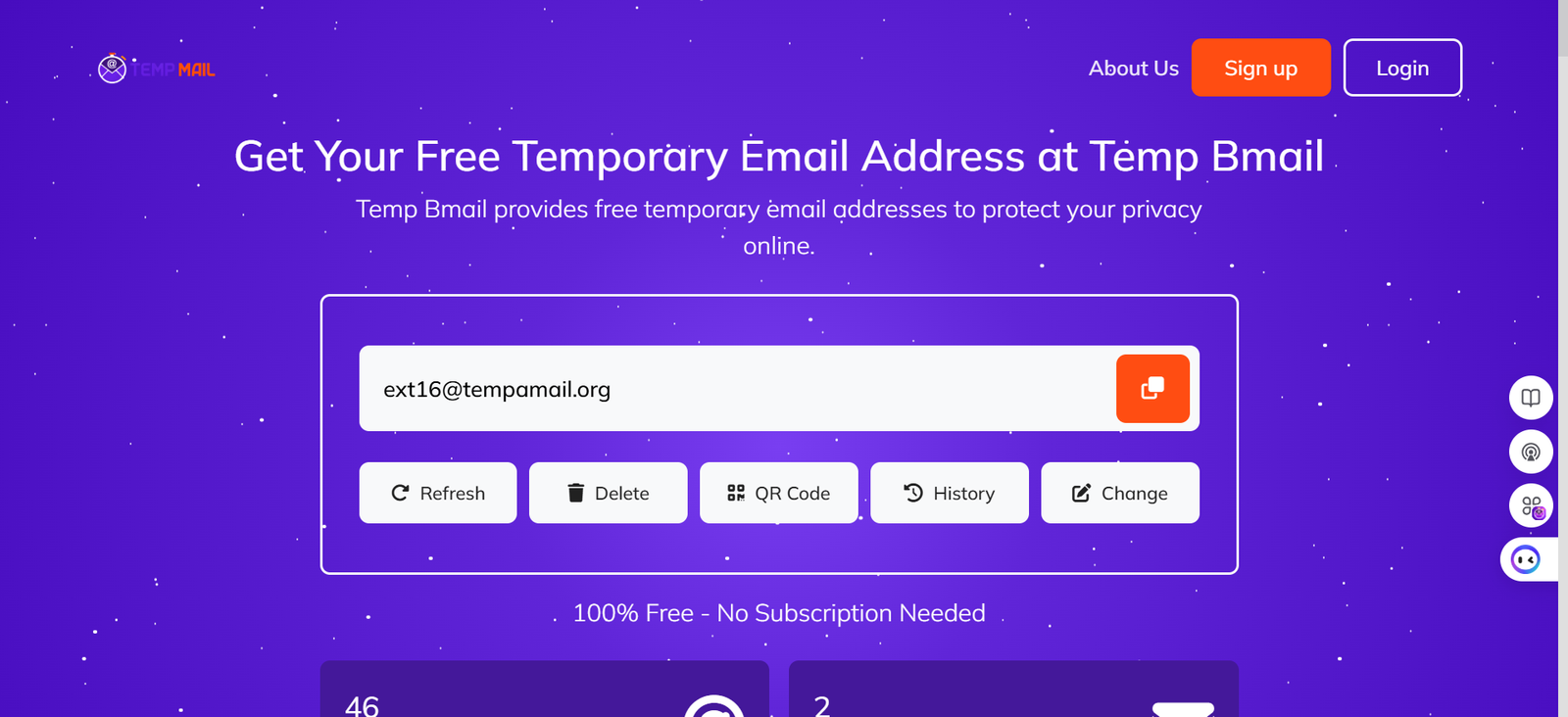
Our take: We use Temp Bmail every day, so take that for what it’s worth but the reason we built it is the same reason it ranks first here.
Every other service we tested has at least one thing that irritates you in regular use: a timer that expires before the email arrives, an interface that’s broken on mobile, or advertising that makes the inbox harder to read than the spam you were trying to avoid. Temp Bmail has none of those problems.
The address is ready the moment the page loads, there’s no expiry countdown, the interface is clean on any screen, and there are zero ads. The inbox history and address reuse features are things we genuinely reach for multiple times a week.
✓ Strengths
· Instant address generation — no clicks, no registration, no decisions
· No expiry timer — inbox stays active for your entire session
· 5/5 mobile usability — works perfectly on any phone browser
· Zero ads in the inbox
· Multiple domains — switch if one gets blocked
· Inbox history and address reuse after free account creation
· Explicit privacy policy — no IP logging, no data collection
✕ Limitations
· Receive-only — cannot send email from a temp Bmail address
· Some domains may be blocklisted on high-security platforms
· Inbox history requires a free account to access across sessions
Best for: Anyone who wants a temp mail service that works reliably on mobile, has no ads, and doesn’t expire at the worst possible moment.
New to temp mail entirely? Read What Is Temp Mail? How It Works, Who Needs It, and Why Your Real Inbox Thanks You before deciding which service to use.
#2 10 Minute Mail — Best for quick one-off verifications
⚡ Speed: 2.8s avg ⊘ Block rate: 25% 📱 Mobile: 4/5 🔒 Privacy: 4/5 📢 Ads: 4/5
Our take: 10 Minute Mail is one of the oldest services in this space — it launched in 2006 and it’s still going because it does one thing extremely well: getting you a working email address fast and then letting you forget it exists.
The 10-minute countdown is the whole design philosophy. It’s not a limitation they’re apologising for; it’s the feature. If you genuinely only need an inbox for the time it takes a verification email to arrive, this is the fastest and most reliable option we tested.
The mobile experience is solid, domain acceptance is broad, and the interface has no meaningful friction. Where it falls short is anything requiring more than ten minutes you can extend the timer manually, but at that point you’re fighting the tool rather than using it.
✓ Strengths
· Fastest average delivery in our tests: 2.8 seconds
· Simple, zero-decision interface
· Strong domain acceptance across consumer platforms
· Extendable timer if you need more time
· Well-established: reliable infrastructure
✕ Limitations
· 10-minute inbox by default — not suitable for multi-step flows
· No address reuse — each session generates a new address
· No inbox history
Best for: One-time email verifications where you know the email will arrive quickly and you won’t need the address again.
#3 Guerrilla Mail — Best for send + receive
⚡ Speed: 4.1s avg ⊘ Block rate: 30% 📱 Mobile: 3/5 🔒 Privacy: 4/5 📢 Ads: 3/5
Our take: Guerrilla Mail earns its place on this list by doing something the other four can’t: it lets you send email from a disposable address as well as receive it. For most people, that’s never going to matter.
For developers testing a full email flow — sign up, receive welcome email, reply to support, trigger a password reset — it’s the only free tool that covers the whole sequence. The interface is functional rather than polished, and it doesn’t perform well on mobile.
The block rate is higher than top-ranked services in our testing, which means it’s less reliable for consumer sign-up flows. But for the specific use case it’s designed for, nothing else on this list competes.
✓ Strengths
· Send AND receive from a disposable address — unique among free services
· Long inbox retention — emails available for longer than most services
· Scramble address feature for additional privacy
· No registration required
✕ Limitations
· Higher block rate on e-commerce and SaaS platforms (30% in our testing)
· Mobile interface is dated and awkward to use on a phone
· Sidebar advertising present
Best for: Developers and QA testers who need to send email from a temporary address, or who need to test full bi-directional email flows.
Using temp mail for a professional platform? Our Temp Mail for LinkedIn guide covers what works, what gets blocked, and how to protect your account long-term.
#4 Temp-Mail.org — Best-known general option
⚡ Speed: 3.8s avg ⊘ Block rate: 30% 📱 Mobile: 4/5 🔒 Privacy: 3/5 📢 Ads: 2/5
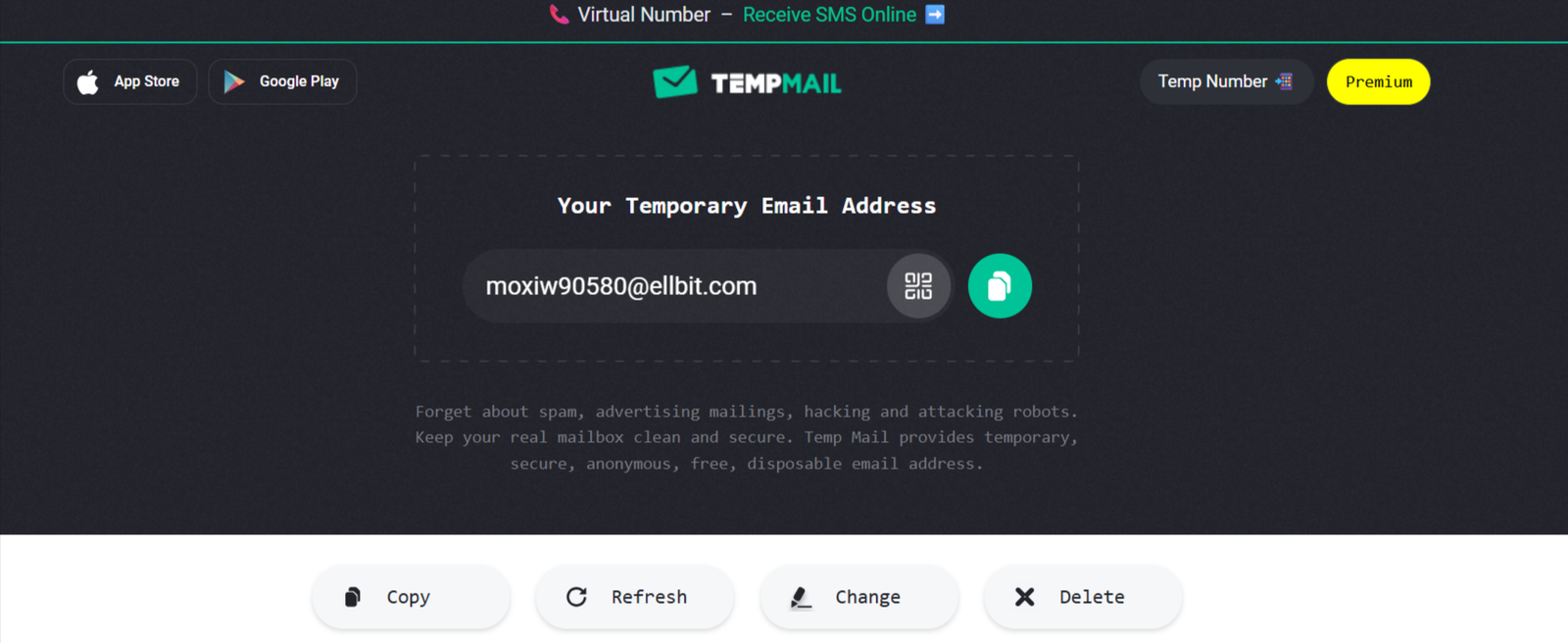
Our take: Temp-Mail.org is probably the most-searched disposable email service, and it’s easy to see why: it does the basics reliably, the brand has been around long enough to feel trustworthy, and it’s available in multiple languages. What prevents it from ranking higher is the advertising.
In our testing, the inbox interface contains multiple ad placements that make it noticeably harder to find and read the email you came for which is a particular problem on mobile.
The privacy policy is less explicit than higher-ranked services about data practices. If you’re comfortable navigating around some ads and you want a service that’s been around long enough to have strong domain acceptance on most platforms, it’s a workable option.
✓ Strengths
· Wide name recognition and strong domain acceptance
· Multiple domain options available
· Reliable delivery (3.8s average)
· Available in multiple languages
· Mobile layout functional, if ad-heavy
✕ Limitations
· Heavy ad load (2/5) — ads in the inbox make it harder to find your email
· Privacy policy less explicit about data handling than top-ranked services
· Some domains have accumulated blocklist entries on newer platforms
Best for: General users who want a familiar, established service and can tolerate advertising in the inbox interface.
#5 Mailinator — Best for developer and QA team testing
⚡ Speed: 3.5s avg ⊘ Block rate: 40% 📱 Mobile: 3/5 🔒 Privacy: 3/5 📢 Ads: 4/5
Our take: Mailinator has been the go-to tool for development teams for years, and it remains the most capable free option for that specific use case.
The public inbox model where any inbox is accessible to anyone who knows the address is a feature for teams running automated tests and a significant limitation for anyone who needs privacy.
In our testing, Mailinator had the highest block rate of the five services (40%), which makes it poorly suited for consumer sign-up flows. For automated testing pipelines, it’s still one of the most reliable options. For personal email privacy, it’s the wrong tool.
✓ Strengths
· Powerful developer tools and team-friendly inbox model
· API access (on paid plans) for automated testing
· Reliable, well-maintained infrastructure
· Familiar to most developers
✕ Limitations
· Highest block rate in our testing: 40%
· Public inboxes — not private, anyone with the address can view it
· Best features now behind paid plans
· Not designed for personal privacy use cases
Best for: Development teams, QA engineers, and automated testing pipelines where a public inbox model is acceptable.
The Bottom Line — Which One Is Right for You?
Here’s the honest summary:
- If you want a temporary email service that works reliably, has no ads, and doesn’t expire on you: use Temp Bmail.
- If you need the absolute fastest one-off verification and you’ll never need the address again: 10 Minute Mail is hard to beat.
- If you’re a developer who needs to send and receive from a throwaway address: Guerrilla Mail is the only free service that does it.
- If you want something familiar and well-known and you’re not bothered by ads: Temp-Mail.org works fine.
- If you’re running automated tests on a development or QA team: Mailinator is built for that.
All five services have limitations. None of them should be used for bank accounts, government services, or anything where losing access to the inbox would lock you out of something important.
For any use case where the email address matters long-term, use a permanent address you control.
★ EDITOR'S NOTE: The services on this list change over time. Domain blocklists get updated, interfaces get redesigned, and privacy policies evolve. We’ll update this article when there are meaningful changes. Last tested: May 2026.
Ready to generate your first temporary email address? Visit Temp Bmail — your address is already waiting.
New to temp mail? Start with How to Create a Fake Email Address in Seconds — a step-by-step guide that also covers what to do when a site rejects your address.
RELATED READING
→ What Is Temp Mail? How It Works, Who Needs It, and Why Your Real Inbox Thanks You
→ How to Create a Fake Email Address in Seconds ·
→ Temp Mail for LinkedIn: Privacy-Safe Sign-Up Guide ·
→ 10 Best Disposable Temporary Email Services in 2026 — Full Tested Comparison