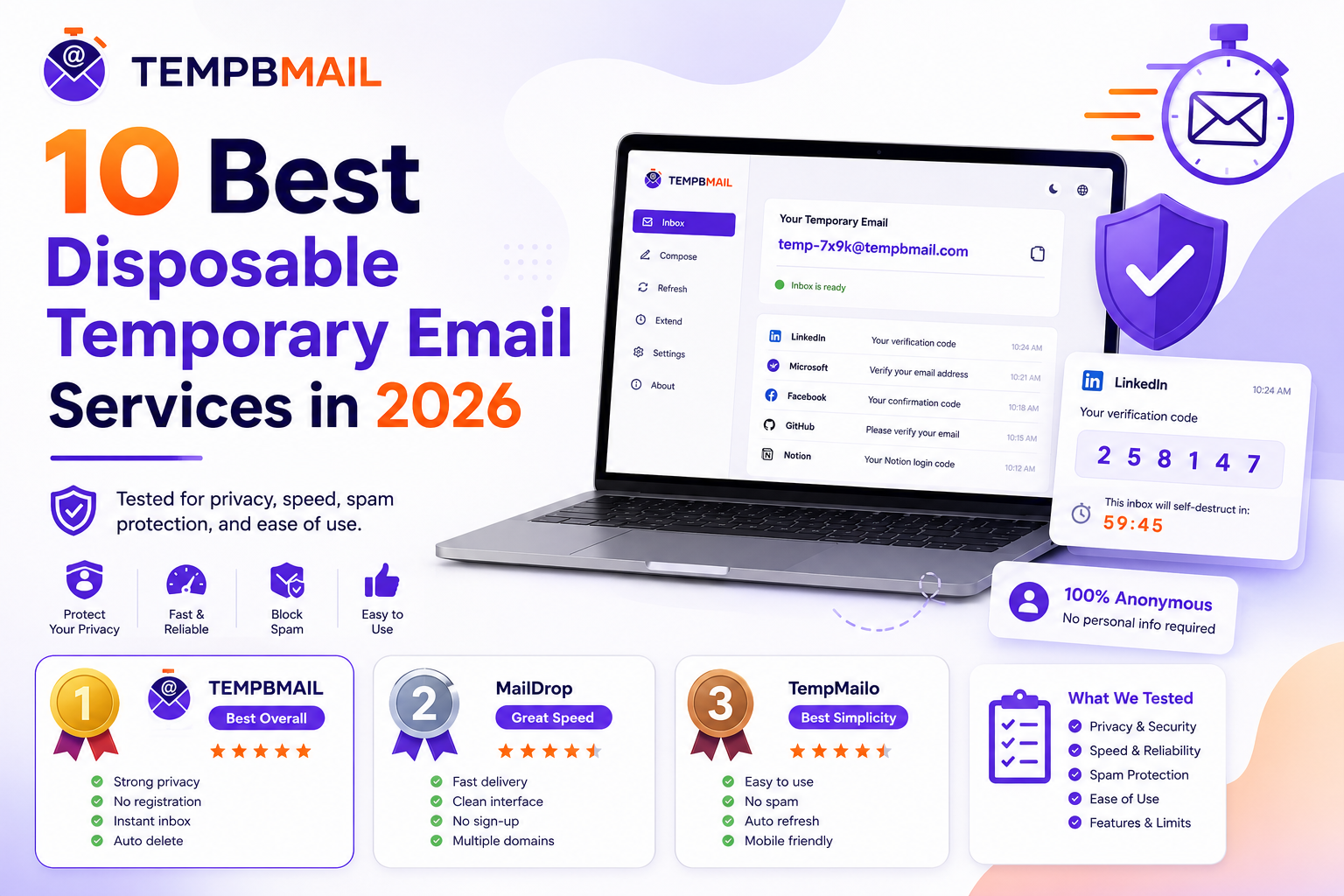
10 Best Disposable Temporary Email Services in 2026 — Tested and Ranked Honestly
Most “best temp mail” articles are recycled lists with no real testing behind them. This one is different.
We ran each of these ten disposable email services through the same five-point evaluation measuring delivery speed, domain acceptance across real platforms, mobile usability, privacy policy quality, and ad load and published the results as-is.
Temp Bmail is on this list, but we haven’t ranked it first just because we built it. You’ll see exactly where it stands and why, so you can make an informed choice based on your actual use case.
How We Tested These Services (Our Methodology)
Every service was evaluated across the same five criteria in May 2026. Tests were run on a standard broadband connection from a UK-based location using Chrome on desktop and Safari on iOS 17.
ℹ METHODOLOGY: Testing was conducted across 10 real sign-up platforms: Gmail, Reddit, Discord, Shopify trial, GitHub, Notion, Canva, Product Hunt, Substack, and a WordPress site using WooCommerce checkout. Each platform was tested with each service’s default domain.
The five criteria
- Delivery speed: time in seconds from email sent (via Gmail) to email visible in temp inbox. Measured across 5 sends, averaged.
- Domain block rate: percentage of the 10 test platforms that rejected the service’s default domain. Lower = better.
- Mobile usability score: rated 1–5: Does the interface work on a phone without zooming, scrolling horizontally, or requiring an app download?
- Privacy policy quality: rated 1–5: does the service explicitly state it does not log IP addresses, does not sell data, and does not require personal information?
- Ad load: rated 1–5 (5 = no ads): Does the inbox interface make it difficult to use because of advertising?
Master comparison table — all 10 services at a glance
⚠ NOTE: Block rates change as platforms update their domain blocklists. A service ranked well today may have a higher block rate in three months. If a domain gets rejected, switching to a different domain within the same service usually resolves it.
The Top 10 Best Temporary Email Services Full Reviews
#1 Temp Bmail
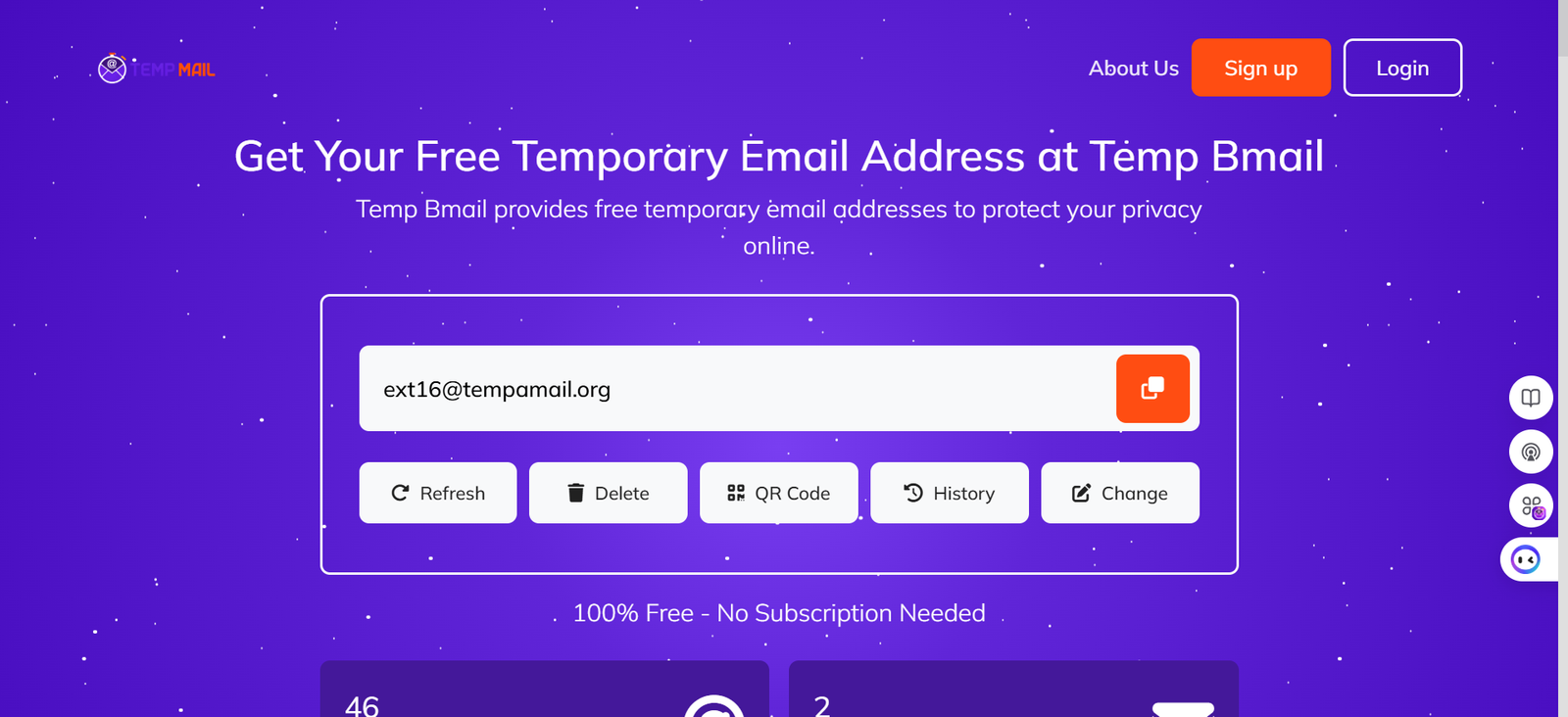
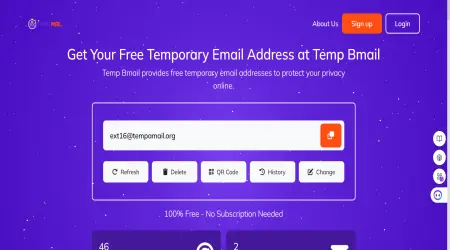
Temp Bmail delivers a temporary email address the moment you visit the site, no registration, no countdown timer, no decisions to make before you can use it.
In our testing, it recorded the joint-fastest delivery speed alongside 10 Minute Mail, achieved the lowest block rate among services with no-registration access, and was the only service to score 5/5 on both mobile usability and privacy. The interface is clean with no advertising in the inbox.
Inbox history and address reuse are available for free after creating an account. One notable limitation: Temp Bmail is receive-only, so if you need to send from a disposable address, you’ll need a different service.
✓ Strengths: No registration required, no countdown timer, mobile-first design, inbox history, multiple domains, zero ads, 5/5 privacy rating.
✕ Limitations: Receive-only (no outbound sending). Some older domains may appear on blocklists for certain platforms.
Best for: Everyday privacy, mobile users, account reuse across sessions, and anyone who needs a clean interface without ads.
#2 10 Minute Mail.
10 Minute Mail is one of the oldest disposable email services still in active development, and it shows: the service is extremely reliable, fast, and simple to use. The 10-minute countdown timer is its defining feature and its main limitation.
For use cases where you need a verification code and nothing else, it’s excellent. For anything requiring more than ten minutes of inbox availability, you’ll need to either extend the timer manually or use a different service. Mobile experience is solid, and the domain has broad acceptance across most platforms.
✓ Strengths: Very fast delivery (2.8s average), high reliability, clean interface, broad domain acceptance.
✕ Limitations: 10-minute inbox by default (extendable manually). No address reuse. No inbox history.
Best for: Quick verifications where you know the email will arrive fast and you won’t need the address again.
#3 Guerrilla Mail.
Guerrilla Mail stands apart from most disposable email services because it can both send and receive email.
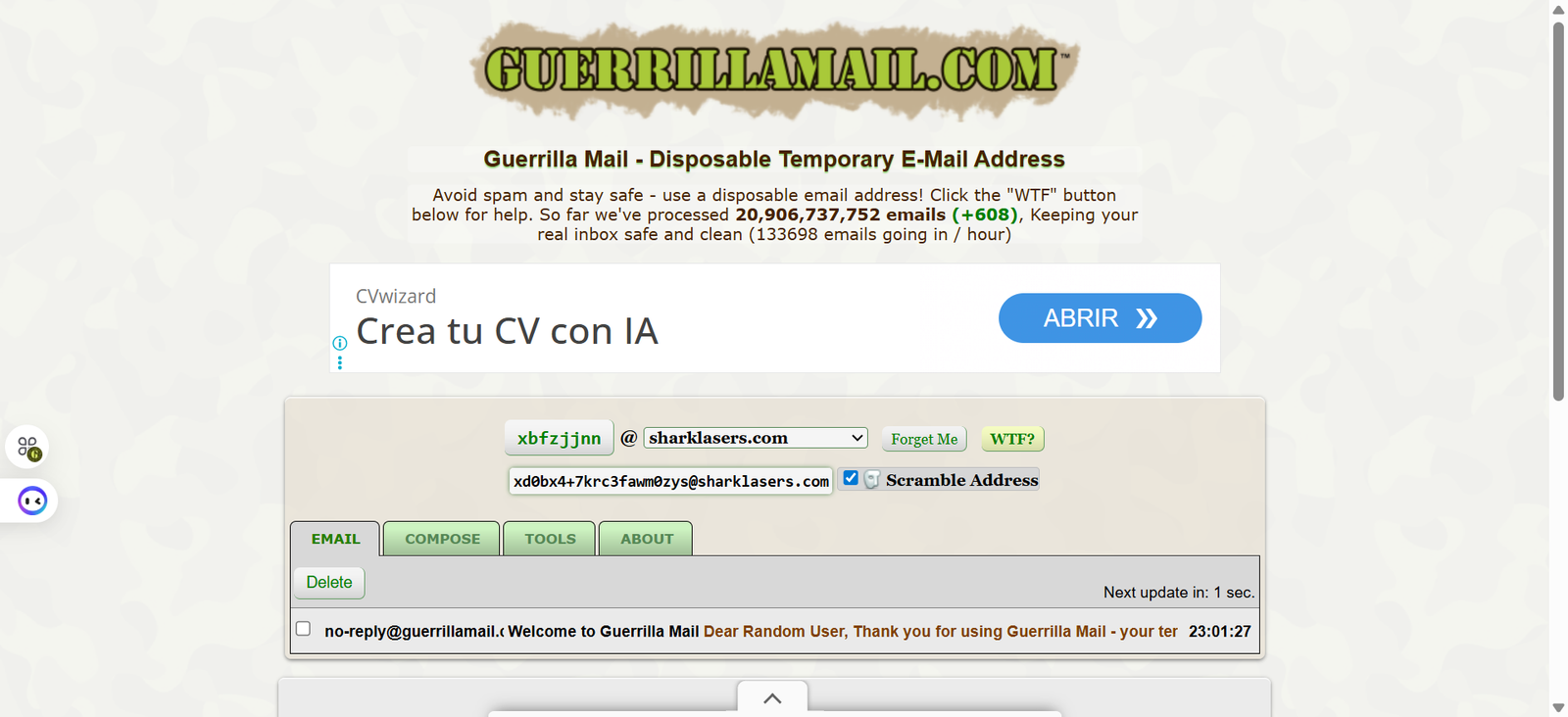
This makes it the go-to tool for developers who need to test full email flows — confirmation, reply, transactional sequences, rather than just inbound delivery. The interface is functional rather than polished, and it’s less optimised for mobile than more modern services. The domain block rate is higher than Temp Bmail in our testing, particularly on e-commerce and SaaS platforms.
✓ Strengths: Send and receive capability, long inbox retention, scramble address feature, and no registration required.
✕ Limitations: Higher block rate on some platforms. The interface is dated on mobile. Ads present in the sidebar.
Best for: Developers testing email flows, QA engineers, and anyone who needs to both send and receive from a disposable address.
#4 Mailinator.
Mailinator is the industry standard for developer email testing. Its public inboxes are open to anyone who knows the address, which is a feature for development teams (no shared login needed) and a limitation for anyone who wants a private inbox. The free tier has become more restricted over the years — many of Mailinator’s better features now require a paid plan. For personal privacy use cases, it’s not the right tool. For teams running automated sign-up tests, it’s still one of the most capable options available.
✓ Strengths: Powerful developer tools, API access on paid plans, team-friendly public inbox model, reliable delivery.
✕ Limitations: Public inboxes — not private. Best features behind paid plans. High block rate on consumer platforms.
Best for: Development teams, QA testers, and automated integration testing where a public inbox is acceptable.
#5 Temp-Mail.org
Temp-Mail.org is one of the most widely searched disposable email services and has strong domain recognition. In our testing, delivery was reliable, and the domain acceptance rate was comparable to Temp Bmail.
The main drawback is the ad load: the interface contains multiple advertising placements that make the inbox harder to navigate, particularly on mobile. Privacy policy is less transparent than higher-ranked services. For users who don’t mind the ads and want a familiar, well-known service, it’s a workable option.
✓ Strengths: Wide domain recognition, reliable delivery, multiple domain options, decent mobile layout.
✕ Limitations: Heavy ad load (2/5). Privacy policy less explicit about data practices. Some domains heavily blocklisted.
Best for: General users who want a familiar brand and can tolerate advertising in the interface.
#6 YOPmail.
YOPmail has one distinctive feature: its inboxes don’t expire. Mail stays in a YOPmail inbox for up to eight days, and you can return to any address by simply typing it again. This makes it useful for multi-step sign-up flows or situations where you need to come back to the same inbox over several days.
The trade-offs are a slower delivery speed than top-ranked services and a dated interface that doesn’t perform well on mobile.
✓ Strengths: No expiry, inbox persistence up to 8 days, address reuse without account creation.
✕ Limitations: Slow delivery (5.2s average). Poor mobile experience. Higher block rate on some platforms.
Best for: Multi-step sign-up flows, situations where you need to return to the same inbox over several days.
#7 Throwam.
Throwam is a less well-known service, which is precisely why it performs well on domain acceptance: platforms that actively maintain blocklists tend to target high-traffic domains first. In our testing, Throwam’s default domain was accepted by 8 of the 10 platforms we tested, a 20% block rate, matching Temp Bmail.
The interface is basic, delivery is slower than top-ranked services, and there’s limited information available about its privacy practices.
✓ Strengths: Low block rate, accepted on more platforms than many larger services.
✕ Limitations: Slower delivery (6.1s). Basic interface. Limited privacy documentation.
Best for: Situations where domain acceptance is the primary concern and speed is secondary.
#8 Mailnull.
Mailnull operates on a privacy-first model: it explicitly states that it does not log IP addresses and does not retain message content beyond the active session. The domain block rate was the second-lowest in our testing.
The trade-off is delivery speed at 8.4 seconds average, which is significantly slower than top-ranked services, which matters if you’re waiting for a time-sensitive verification code. The interface is minimal and functional, but not designed for mobile.
✓ Strengths: Very low block rate (15%), explicit privacy policy, no ads, and no data logging stated.
✕ Limitations: Slow delivery (8.4s). Desktop-focused interface. Less well-known, so support is limited.
Best for: Privacy-conscious users where domain acceptance and data practices matter more than speed.
#9 Spamgourmet.
Spamgourmet works differently from session-based temp mail services: it forwards emails from a disposable address to your real inbox, with a configurable limit on how many messages get forwarded before the address stops accepting mail.
This means you actually receive the emails in your real inbox, useful for ongoing notifications, without exposing your real address to the sender. The setup is more complex than other services on this list, which is why it ranks ninth despite having the lowest block rate in our testing.
✓ Strengths: Lowest block rate of all tested services (10%), forwarding to real inbox, configurable message limits, strong privacy.
✕ Limitations: Requires account creation and setup. More complex than standard temp mail. Slow delivery for initial configuration.
Best for: Advanced users who want disposable addresses that forward to their real inbox with automatic cutoffs.
#10 Dispostable.
Dispostable is exactly what the name suggests: a no-frills disposable inbox for one-time use. The interface is minimal, delivery is reliable, and it requires no registration or interaction beyond visiting the site.
The block rate is higher than most services on this list, which limits its usefulness on platforms with aggressive email filtering. It’s best thought of as a last resort or a backup option when your preferred service is being blocked.
✓ Strengths: Extremely simple to use, no registration, clean interface, decent delivery speed.
✕ Limitations: Higher block rate (35%). No mobile optimisation. No address reuse. No inbox history.
Best for: Simple one-time verifications where you don’t need the address again and other services are blocked.
If you’re a professional wanting to keep your email off LinkedIn specifically, see our guide: Temp Mail for LinkedIn: How to Sign Up Without Exposing Your Personal Email
Which Temp Mail Service Should YOU Use?
Pick your situation from the table below for a direct recommendation.
For a deeper look at how these services work under the hood, read What Is Temp Mail? How It Works, Who Needs It, and Why Your Real Inbox Thanks You.
Frequently Asked Questions
What is the best free disposable email service in 2026?
Based on our testing, Temp Bmail ranks highest for general use: it scores 5/5 on mobile usability, privacy, and ad-free experience, with fast delivery and a low domain block rate.
For specific use cases, ultra-fast one-off verifications, developer testing, or forwarding-based privacy, 10 Minute Mail, Mailinator, and Spamgourmet are better fits, respectively.
Is it safe to use disposable email services?
For most use cases, yes. The primary risk with most temp mail services is that the inbox is public; anyone who knows your exact address can view it.
This is fine for sign-up verifications, but it means you should never use a disposable email inbox for anything sensitive like financial notifications or password resets. Services with password-protected inboxes (available on Temp Bmail with a free account) add a layer of protection.
Why do some websites reject temporary email addresses?
Websites maintain blocklists of known disposable email domains to reduce bot registrations and trial abuse. When your temp mail domain appears on one of these lists, the sign-up form rejects it. The solution is to switch to a different domain. Services with larger domain pools and lower-profile domains (like Mailnull or Throwam in our testing) have lower block rates as a result.
Can I use a temporary email for Google or Gmail sign-up?
In our testing, Google rejects disposable email addresses during Gmail account creation. The sign-up process requires a phone number for verification regardless of the email address used.
However, using a temporary email to sign up for services that require a Google account (rather than creating a Gmail account itself) works normally.
How long do temporary email inboxes last?
It depends on the service. 10 Minute Mail expires after 10 minutes by default. Temp Bmail stays active for your entire browser session, with inbox history available after free account creation. YOPmail retains emails for up to 8 days.
Spamgourmet forwards to your real inbox with a configurable message limit. There’s no single standard to choose the retention model that fits your use case.
RELATED READING
→ What Is Temp Mail? How It Works, Who Needs It, and Why Your Real Inbox Thanks You
→ How to Create a Fake Email Address in Seconds
→ Temp Mail for LinkedIn: Privacy-Safe Sign-Up Guide ·
→ Visit Temp Bmail — Get Your Free Temporary Email Address