Temp Mail for LinkedIn: How to Sign Up Without Exposing Your Personal Email
Most professionals hand over their personal or work email address when joining LinkedIn without thinking twice.
But LinkedIn has a documented history of data exposure, and your email address is one of the first things that ends up on data broker lists once it’s attached to a public professional profile.
Using a disposable email address for LinkedIn sign-up is a practical privacy decision, and it works. This guide explains exactly how, including which domains LinkedIn accepts in 2026, what happens at the verification step, and how to protect your account long-term without sacrificing access.
Why You Might Not Want to Use Your Real Email for LinkedIn
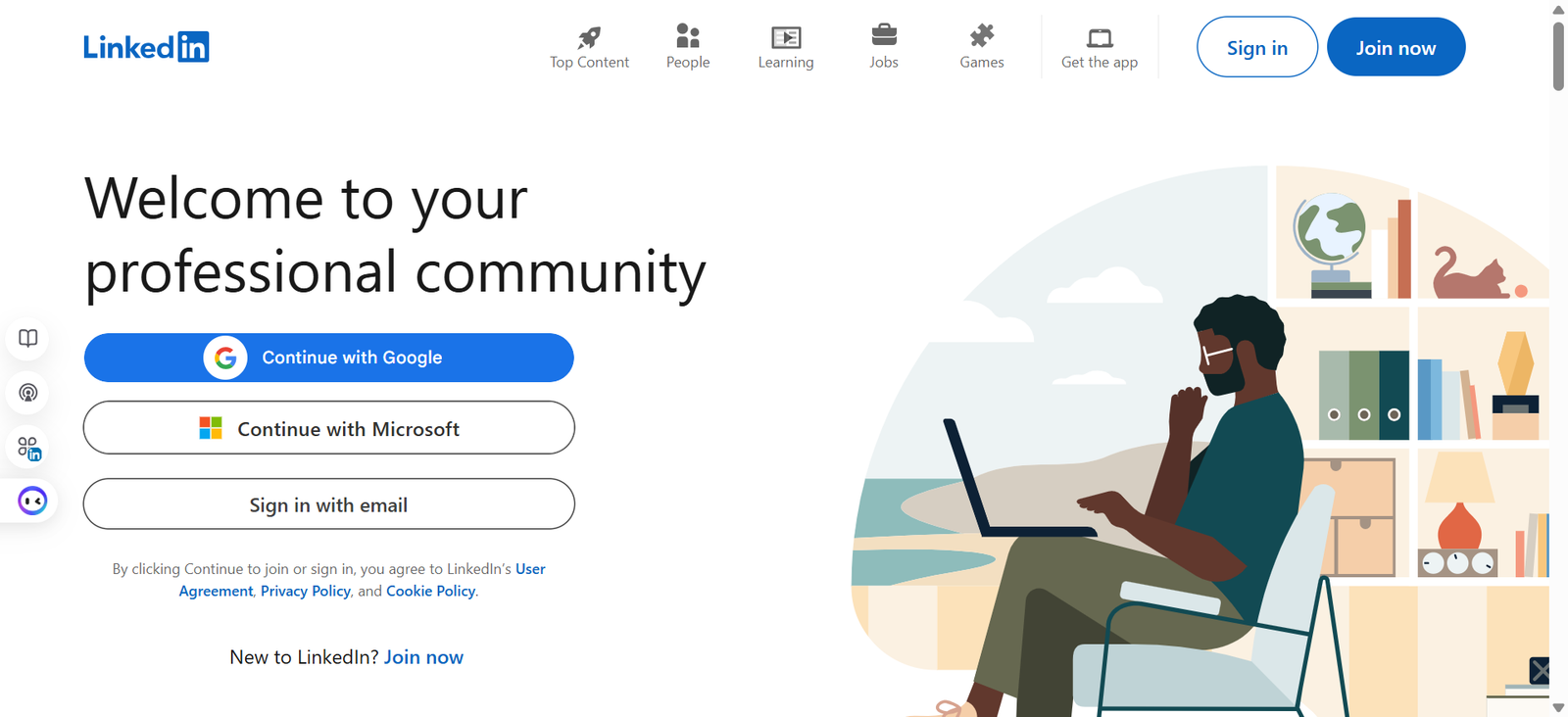
LinkedIn is one of the most data-rich professional platforms on the internet. That’s its value proposition and its risk. When you create a profile, your email address sits at the centre of that data, linked to your employer history, location, skills, network, and activity patterns.
Here’s why that matters more than most people realise.
Data brokers harvest from public professional profiles
Data broker companies that aggregate personal information and sell it to marketers, recruiters, background check services, and others regularly scrape professional networking sites.
Your email address, combined with your job title and employer, is an extremely valuable data point. Once it’s on one list, it spreads. Under GDPR in Europe and CCPA in California, you can request deletion, but enforcement is slow and incomplete.
Preventing the data from being collected in the first place is far more effective.
LinkedIn’s own history with user data
LinkedIn has experienced significant data incidents over the years. In 2012, over 117 million account credentials were leaked in a breach that wasn’t fully disclosed until 2016.
In 2021, data from approximately 700 million LinkedIn profiles was scraped and published on a hacking forum, representing around 92% of the platform’s user base at the time.
While scraping differs legally from a direct breach, the practical result for users was the same: personal data, including email addresses, ended up in places it shouldn’t be.
Keeping your professional and personal life separated.
Many professionals use their work email for LinkedIn, which creates a dependency: if you leave your employer, you may lose access to the email address your account is tied to.
Using a personal address solves that problem, but creates another your personal inbox now receives LinkedIn’s notification emails, recruiter messages forwarded by the platform, and marketing communications. A temp mail address used purely for account creation sidesteps both issues.
Does LinkedIn Accept Temporary Email Addresses?
The honest answer, based on testing in 2026: yes, LinkedIn accepts temporary email addresses, but not all of them, and not always on the first attempt.
LinkedIn’s sign-up form performs a real-time check on the email domain you enter. This check does two things: it confirms the domain has a valid MX record (i.e., it’s a real mail server that can receive messages), and it cross-references the domain against a blocklist of known disposable email providers. Domains that appear frequently in spam or fake account registrations tend to get flagged over time.
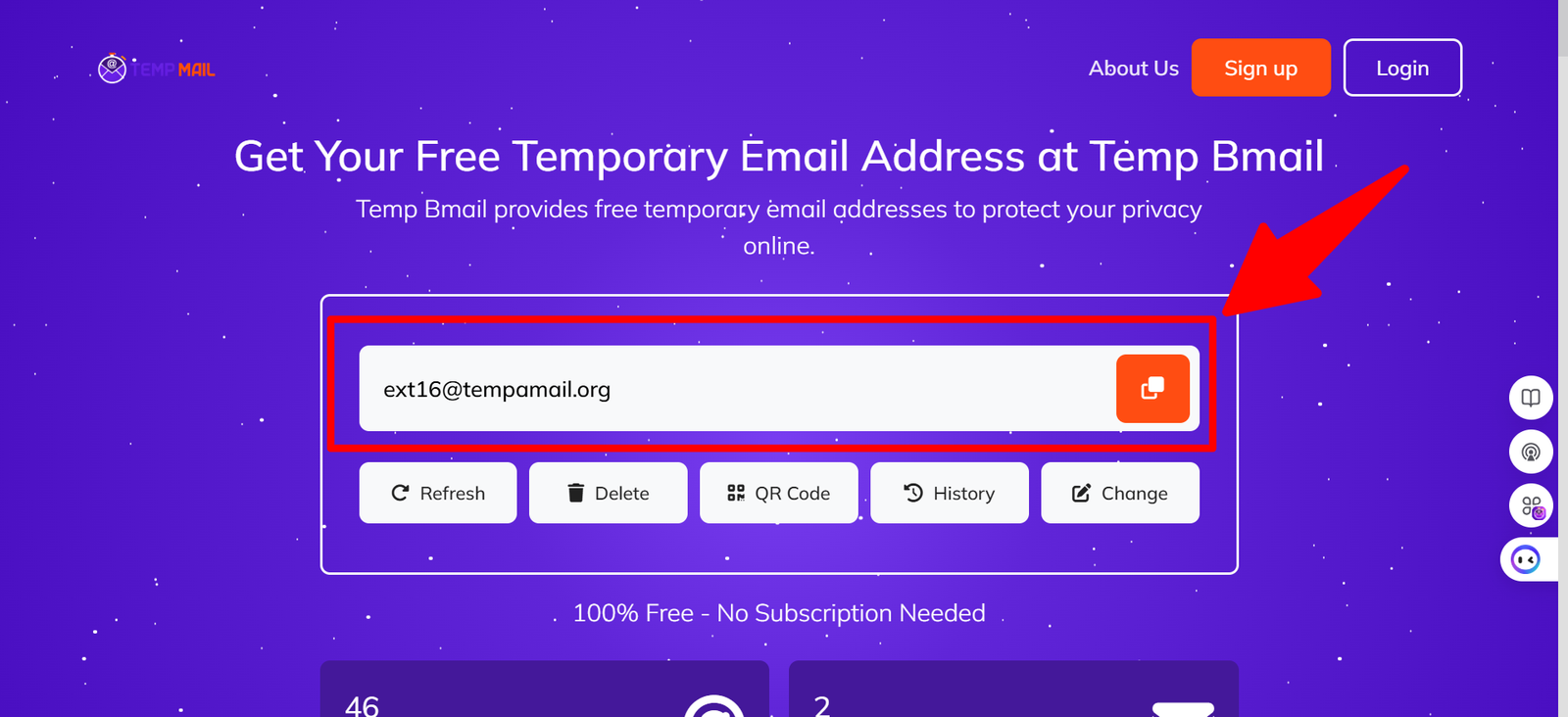
Temp Bmail gives you access to multiple domains from a single interface. If LinkedIn rejects your first address, hit the Change button, select a different domain, and try the new address.
The username portion of your address stays the same — only the domain changes. In our testing, switching domains resolved the rejection in most cases within one or two attempts.
✓ TIP: LinkedIn’s verification email usually arrives within 60 seconds. Keep your Temp Bmail tab open while completing the sign-up form so you can grab the code immediately when it lands.
How to Create a LinkedIn Account with Temp Bmail
Follow these steps in order. The critical moment is Step 4: don’t close your Temp Bmail tab before the verification email arrives.
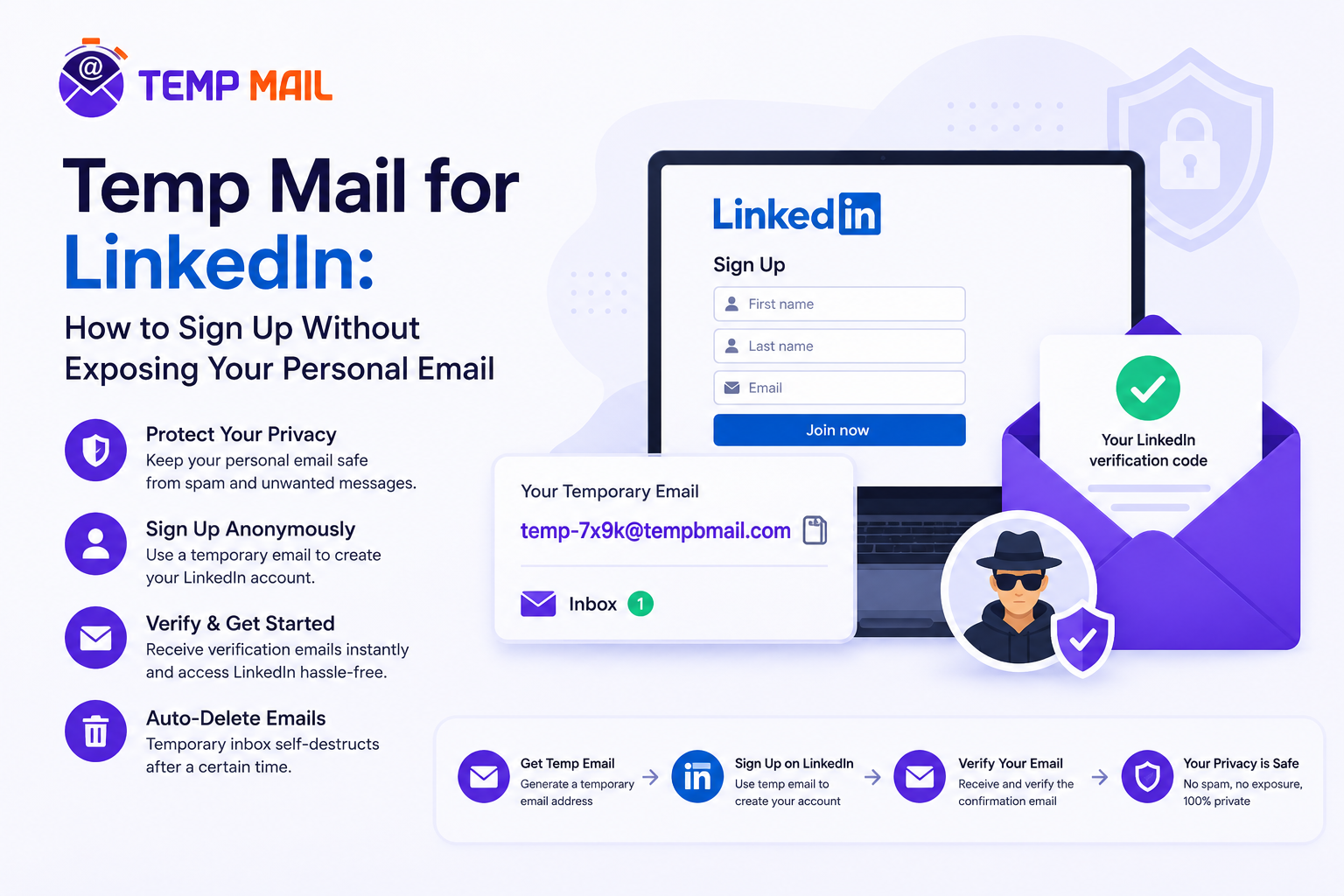
Step 1: Open Temp Bmail and copy your address
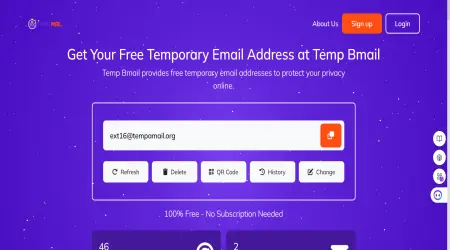
Go to tempbmail.com. Your temporary email address is displayed automatically; no sign-up needed. Click the copy icon to copy it to your clipboard.
Step 2; Start LinkedIn sign-up
Go to linkedin.com and click Join now. Paste your Temp Bmail address into the email field. Choose a strong password, write it down, as you’ll need it later. Continue through the initial form fields (name, country, job title).
Step 3: Handle the verification email.
LinkedIn will send a 6-digit verification code to your temp mail address. Switch to your Temp Bmail tab, and the email should already be there. Copy the code and paste it into the LinkedIn verification field. Do not close Temp Bmail until you’ve completed this step.
Step 4: Complete your LinkedIn profile setup.
LinkedIn will walk you through several setup screens: adding a profile photo, connecting with contacts, and choosing interests.
You can skip most of these for now. The goal is to get past the verification step and into the platform.
Step 5: Set a recovery option before the session resets.
Once you’re inside LinkedIn, go to Settings → Sign in & security → Email addresses. You can add a second email address at this point.
If you want to maintain access long-term, consider adding a permanent alias email (like one from SimpleLogin or addy.io) as a backup. This preserves your account access without exposing your real personal email.
⚠ IMPORTANT: LinkedIn will periodically prompt you to verify your email or add a phone number, especially if you log in from new devices or locations. Having a backup contact method in your account settings prevents lockout.
Important: LinkedIn Account Safety Rules
Before we go further, this needs to be said plainly: LinkedIn’s Terms of Service permit one account per person.
Using a temporary email address to create a single account for legitimate professional use is not a violation of those terms. Creating multiple accounts, impersonating someone, or operating fake profiles is a separate matter — and that’s not what this guide is about.
✕ DO NOT USE TEMP MAIL FOR: Fake profiles, multiple accounts per person, or accounts created to deceive. This guide is about privacy for a single, genuine account — protecting your email address, not your identity.
What LinkedIn’s email verification actually checks
LinkedIn verifies that you can receive email at the address you provide. It does not verify that the address is permanent, that it belongs to a specific person, or that it’s connected to a real-world identity.
The verification step exists to reduce bot registrations and ensure a communication path exists, not to enforce permanent email use.
Switching to a permanent email later
LinkedIn allows you to change the email address associated with your account at any time from Settings. If you started with a temp mail address and later want a more permanent one — particularly if you plan to use LinkedIn actively for job searching or professional networking — you can make that switch without disrupting your account or losing your connections.
- Go to Settings & Privacy → Sign in & security → Email addresses
- Click Add email address and enter your new permanent address
- Verify the new address via the email LinkedIn sends
- Set the new address as Primary, then remove the temp mail address
Alternatives: When a Permanent Email Alias Is Better
Temp mail is the right tool if you want maximum privacy and minimal commitment during sign-up. But if you plan to use LinkedIn seriously, checking messages regularly, responding to recruiters, and building a presence, a permanent email alias may serve you better in the long run.
An email alias service (like SimpleLogin, addy.io, or Apple’s Hide My Email) gives you a permanent forwarding address that delivers to your real inbox without exposing it. You give LinkedIn the alias address.
Replies from recruiters and notifications still reach you. If the alias ever gets compromised, you delete it and create a new one without changing your real email.
The two tools aren’t mutually exclusive. Use Temp Bmail to get past the sign-up step without exposing your real email, then switch the account email to a permanent alias once you’ve decided LinkedIn is worth keeping.
That gives you the privacy of a disposable email for the riskiest part of the process, handing your email to a new platform and the convenience of a real forwarding address once you’re settled in.
Frequently Asked Questions
Is using a temp mail address for LinkedIn against the rules?
No. LinkedIn’s Terms of Service require that you create only one account and that it represents your real professional identity. They do not require that the email address you use be permanent or personal.
Using a temporary email to sign up for a single, genuine LinkedIn account is not a ToS violation.
What happens if LinkedIn flags my account?
LinkedIn occasionally flags accounts for unusual activity — signing up from a new device, rapid profile completion, or sign-up patterns that match bot behaviour. If this happens, they’ll ask you to verify your email.
If the temp mail address is still active, you can complete that verification. If the session has expired, you’ll need to use LinkedIn’s account recovery process, which is why adding a backup email or phone number early is recommended.
Can I use Temp Bmail to create multiple LinkedIn accounts?
No, and we’re being direct about this. LinkedIn prohibits multiple accounts per person.
Creating several accounts using disposable email addresses violates their Terms of Service and risks all associated accounts being banned. This guide is for people who want one genuine account with better email privacy.
Which temp mail domain works best with LinkedIn?
This changes over time as LinkedIn updates its blocklists. In our testing, newer and less-established domains on Temp Bmail’s rotation tend to have higher acceptance rates.
If the first domain is rejected, use the Change button to switch domains. Most users find a working domain within two or three attempts.
Should I use a professional email generator instead?
A professional email address generator typically creates a formatted email address, but it doesn’t provide an actual inbox. For LinkedIn sign-up, you need a real inbox that receives the verification email. Temp Bmail provides both the address and the working inbox.
RELATED READING
→ What Is Temp Mail? How It Works, Who Needs It, and Why Your Real Inbox Thanks You
→ How to Create a Fake Email Address in Seconds
→ Temp Mail with Password: Can You Create a Password-Protected Temporary Email? ·
→ Visit Temp Bmail — Get Your Free Temporary Email Address