What Is Temp Mail? How It Works, Who Needs It, and Why Your Real Inbox Thanks You
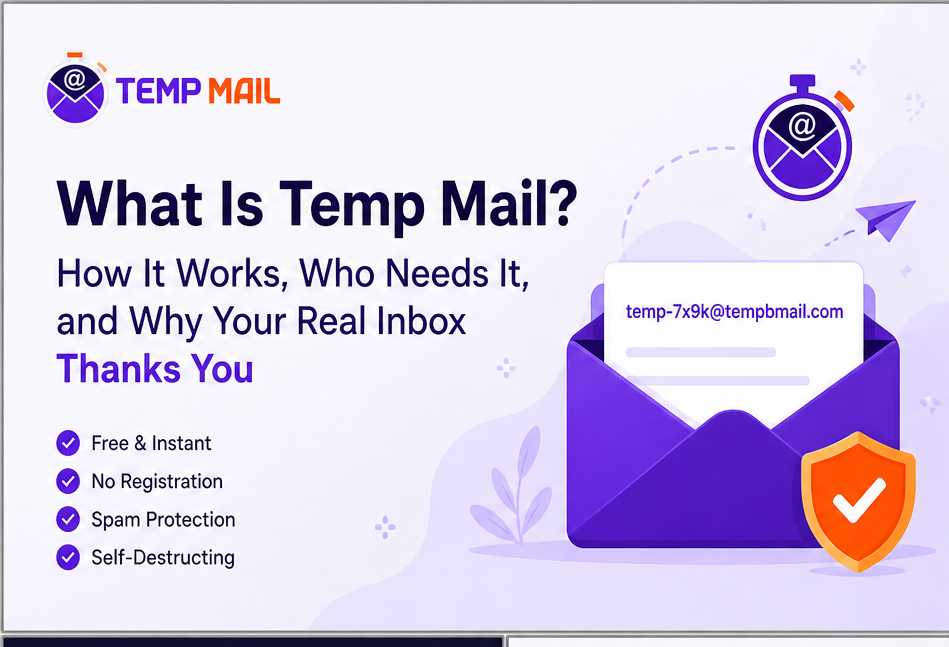
Temp mail, short for temporary email, is a free, disposable email address that works exactly like a real inbox but carries none of the baggage. You generate one in seconds, use it to receive a verification code, sign-up confirmation, or test message, then walk away.
Nothing follows you: no spam, no newsletters, no data broker collecting your contact details.
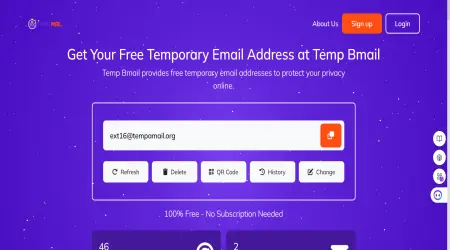
Temp Bmail is one of the most straightforward ways to do this, giving you a fully working temporary mailbox the moment the page loads, no registration, no personal data, no subscription required.
What Is a Temporary Email Address, Exactly?
A temporary email address, also called a disposable email, a throwaway inbox, a one-time email, or simply temp mail, is a real, functioning email address that receives messages exactly like your Gmail or Outlook account does.
The difference is that it isn’t registered to your name, phone number, or any personal profile. You get one, use it, and discard it. Most people never think about it again.
When you open your regular Gmail account, you’re tied to it. Google knows your recovery phone number, your backup email, your location, and every sign-in event. That connection is exactly what makes it useful for long-term communication and exactly what makes it a liability every time you hand it to a website you’ve never visited before.
A temp mailbox has no such ties. Think of it as a session: the inbox exists for the duration of your interaction with whatever site or service you’re signing up for, then it’s gone. No account to manage, no password to remember, no “unsubscribe” link to hunt for three months from now.
How Does Temp Mail Actually Work? (The Technical Bit, Simply Explained)
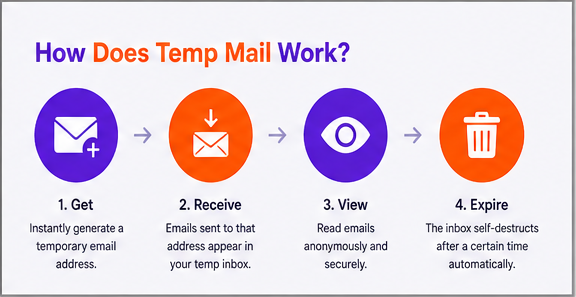
To understand how a disposable temporary email address works, it helps to know a little about how any email gets delivered.
When you send an email to someone@example.com, your mail client contacts a DNS server to look up the MX record for example.com.
An MX record (Mail Exchanger record) is essentially a signpost that says “email for this domain should be delivered to this server.” That server receives the message and places it in the correct inbox.
Standard email providers like Gmail create a named account first, then accept mail addressed to that specific account. Temp mail services flip this model. Instead of pre-registering individual inboxes, a service like Temp Bmail configures its mail server to accept all incoming messages for every address on its domains, whether that address was “created” or not.
The inbox is generated client-side the moment your browser session starts. Any email sent to that address arrives in real time because the mail server is already listening for it.
This is why you don’t need to register: the infrastructure is ready for any address before you even visit the page. The session-based inbox appears instantly, emails land without manual refresh, and when your session ends, the address effectively disappears from active use.
It’s an elegant use of standard email protocols (SMTP for delivery, IMAP-adjacent logic for retrieval) that makes the whole thing feel effortless from the user side.
Technical note: Temp Bmail uses real MX records pointing to its own mail infrastructure. Emails sent to your temporary address travel the same route as any other email, which is why they arrive quickly and why they pass most platform verification checks.
Who Actually Uses Temp Mail and Why
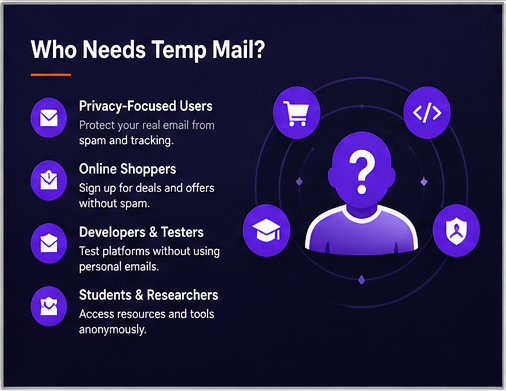
Temporary email isn’t just for the technically literate. The range of people who reach for a disposable email account on any given day is wider than most assume.
Every day, internet users dodge spam
You want the 20% discount code from that online shop. They want your email address to send it.
You know exactly what’s going to happen to that email address for the next two years. A temp mail address gives you the code without giving them a direct line to your inbox. It’s one of the most practical, low-effort privacy decisions you can make.
Developers and QA testers
Building a web app that involves email registration? You need to test the sign-up flow, the verification email, the welcome message, and the password reset multiple times, across different scenarios.
Generating a fresh temporary email address for each test run is far faster than maintaining a stack of dummy Gmail accounts or manually clearing inboxes. Temp Bmail lets you create as many temp mail addresses as you need without any overhead.
Privacy-conscious users
Data brokers compile personal information, including email addresses, from hundreds of sources and sell it to marketing companies, background check services, and anyone willing to pay.
Under regulations like GDPR in Europe and CCPA in California, you have the right to request deletion of your data — but prevention is far more effective than cure. A temporary disposable mail address that was never tied to your real identity can’t end up on a broker list.
People accessing free trials without commitment
Many streaming platforms and SaaS tools offer time-limited trials that require email sign-up. Using a temp Gmail or a disposable email account to access a trial you’re genuinely evaluating, one account per person, for the stated purpose, is a perfectly reasonable use of the technology.
The keyword is ‘evaluating’: trying a product to decide if you want to pay for it is legitimate; creating dozens of accounts to exploit an offer indefinitely is not.
When Should You NOT Use Temp Mail?
Temp mail is a precision tool. It works well for specific situations and badly for others. Here’s where it will cause you problems:
- Bank accounts, financial services, and investment platforms require long-term access and use your email as an account recovery method. Losing access to a temp mailbox means losing the ability to reset your password. Use your real email.
- Government portals and official services, tax authorities, passport applications, and healthcare systems. Anything where legal identity matters and losing email access could have serious consequences.
- Anything you want to keep long-term, e-commerce orders you’ll need receipts for, subscriptions you’re actually paying for, platforms where the email address IS your account identity.
- Social media main accounts if you’re creating a single, genuine account on a platform, use a real address you control. Temp mail is appropriate for secondary or privacy-preserving accounts, but not if it’s your only account and you’d care about losing it.
Simple rule: If you’d be frustrated to lose access to an account because you can’t receive a recovery email, don’t use a temp mailbox for that account.
Temp Bmail vs Other Temp Mail Services — What’s Different?
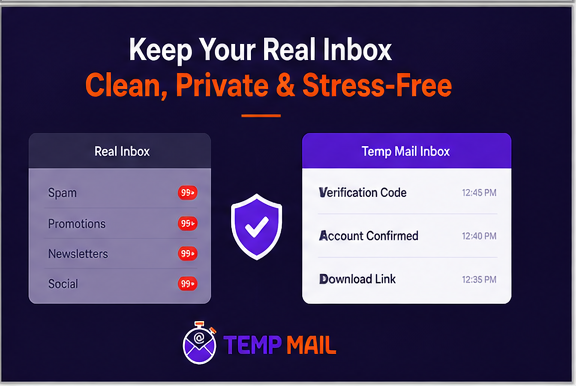
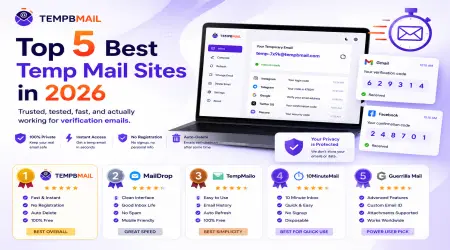
There are well-known disposable email services like 10 Minute Mail, one of the originals, launched in 2006, built around a simple 10 Minute countdown timer. That model is genuinely useful for ultra-quick verifications.
But it creates friction the moment you need your inbox for longer than the timer allows, or when you need to come back to an address you’ve already used.
Temp Bmail was built around a different set of decisions:
- No fixed expiry timer, your temp mailbox stays active for as long as your session needs it, not until a countdown runs out.
- Mobile-first design, the full interface works on any phone browser without installing a separate mobile temp mail app, and the QR code feature lets you move your address between devices in seconds.
- Reuse the temp mail address your inbox history means you can return to an address you’ve already used, rather than starting from scratch every time you open a new tab.
- No ads cluttering the inbox a service designed to reduce inbox noise shouldn’t add to it.
- Multiple domains if one domain gets rejected by a sign-up form, you can switch to another within Temp Bmail without leaving the site.
You can explore all features on the Temp Bmail homepage, or read more about how we built it on the About Temp Bmail page.
Frequently Asked Questions
Is temp mail legal?
Yes. Using a temporary email address is legal in virtually every jurisdiction. It is a privacy tool not a means of fraud. Using it to deceive a platform, commit financial crimes, or violate a company’s terms of service is a separate matter entirely and not what the technology is designed for.
Is temp mail safe to use?
Temp Bmail does not collect your name, IP address in any identifying way, or payment details. Your temporary inbox is session-based and unconnected to a permanent account. One important caveat: because most temp mail inboxes are not password-protected by default, anyone who knows your exact address can view it. Avoid using a temp mail address for anything sensitive.
How long does my temp mailbox last?
On Temp Bmail, your inbox stays active for the duration of your browser session — unlike services such as 10 Minute Mail that use a fixed countdown timer. If you create a free account, you can access inbox history across sessions and reuse previous addresses.
Can I receive attachments in a temp mail inbox?
Yes. Emails with attachments arrive and display in your Temp Bmail inbox just as they would in any standard email client. You can open and download them without additional steps.
Does temp mail work on all websites?
Most websites accept temp mail addresses without issue. A small number of platforms — particularly those with aggressive spam prevention — maintain blocklists of known disposable email domains. If you encounter a rejection, switching to a different domain within Temp Bmail usually resolves it. Services with larger domain pools have higher overall acceptance rates.
RELATED READING
→ The Technology Behind Disposable Email Addresses · Temp Bmail Blog