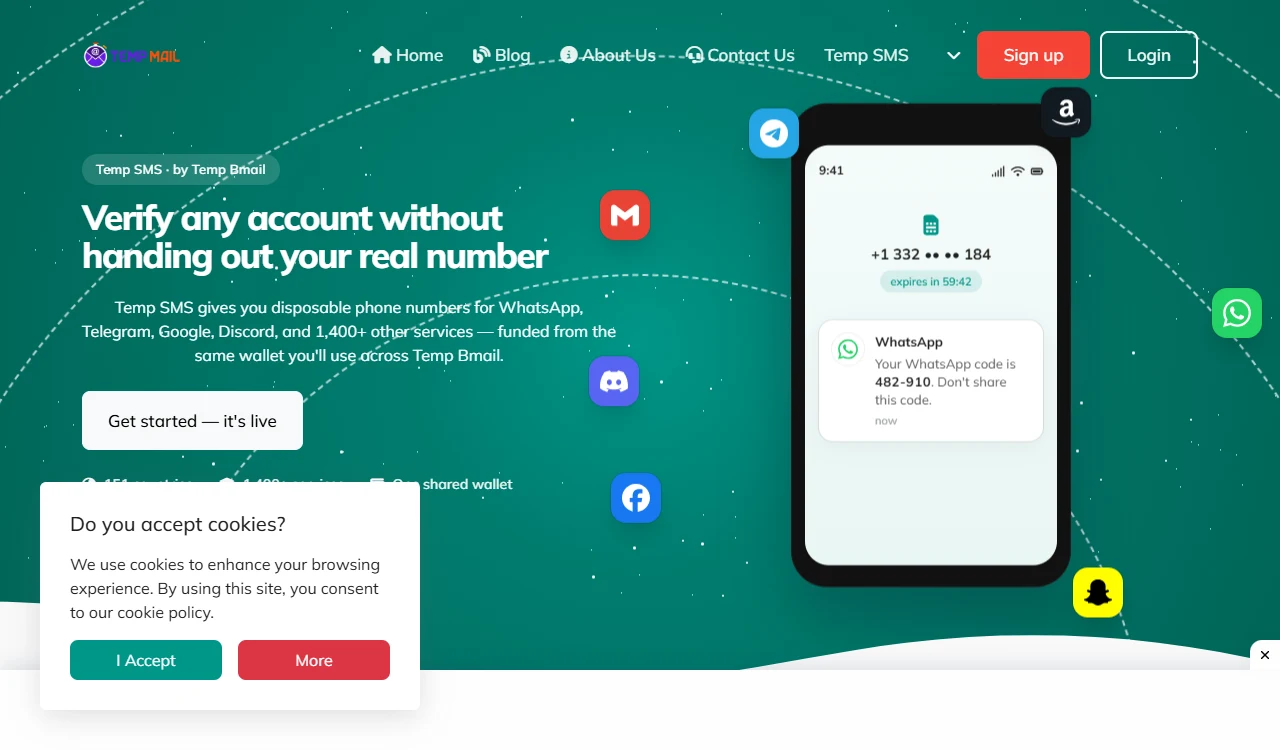
Temp SMS Code Not Arriving: 9 Fixes Before You Give Up
Quick answer: If your temporary number verification code isn't arriving, the platform most likely rejected the number type. It's usually not the SMS being slow. Give it a minute or two. Then stop waiting on the same number: cancel it for an instant refund and buy a fresh one, ideally in a different country if the first one failed. Temp SMS refunds your wallet automatically the moment a number expires with no code, even if you've closed the tab.
Key points:
- Most failures are blocks, not delays.
- Repeated retries on the same number rarely help and can look like automation.
- A new number beats waiting out a fifth attempt on an old one.
- Strict services (Telegram, Google, Discord) reject more virtual numbers than most apps.
- No code, no charge: the refund is automatic once the number expires.
Use it on the webGet a disposable number in secondsGet the Android appCovers the email half, right on your phone
You're mid-signup. The app is sitting on the verification screen. The code just isn't showing up.
"Why is my verification code not coming" is one of the most common things people type into Google at exactly this moment, usually somewhere between the second and third refresh. A temporary number verification code not arriving is rarely actually about a slow network. Here's what's really happening, and nine real fixes, in the order worth trying them.
Why Isn't My Temp Number Receiving the Code?
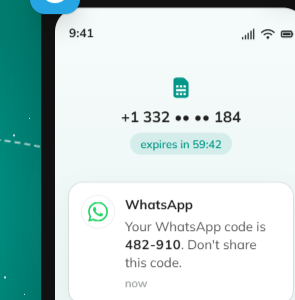
Most of the time, the platform has quietly rejected the number itself before it ever tried to deliver anything. Services like Telegram, Google, and Discord run checks on the phone number you give them before sending a code. A disposable or virtual number can fail that check instantly. The "sending" spinner you see is often just the app being polite about it.
It helps to be precise about what you're actually seeing. "Nothing arrived" and "something arrived but didn't work" point to different problems. An otp not arriving virtual number situation, where the field stays completely empty no matter how long you wait, almost always means the number was rejected before anything was sent. A code that arrives but gets refused as invalid is a different, usually smaller, problem. It's often just a typo or an expired entry window, not the number itself being blocked.
How Do I Fix It, Step by Step?
Work through these roughly in order. Most people solve it in the first three or four steps without spending anything extra.
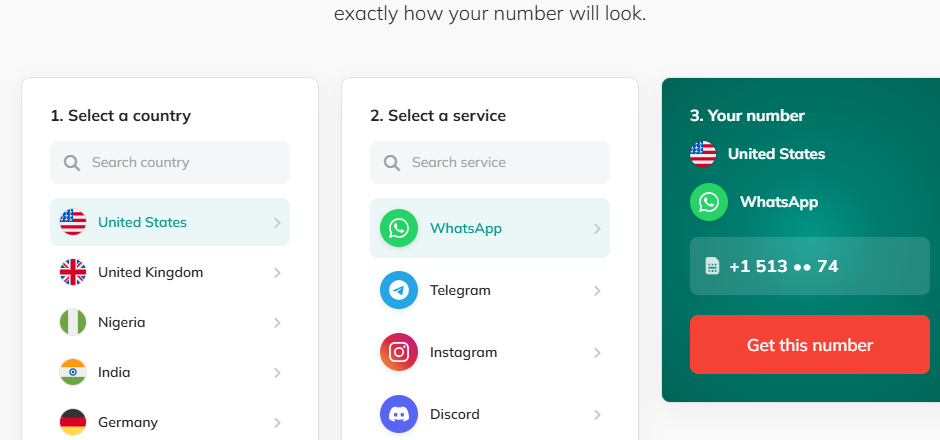
- Confirm the service and country before buying. A number bought for the wrong service won't suddenly start working. Check the dropdown twice.
- Give it a short wait. A genuinely delayed code usually lands within the first minute or two, not instantly.
- Don't buy the same service again on a new number right away. Check your order history first. That way you're not paying twice for the same stuck request.
- Cancel for an instant refund instead of waiting out the clock. If nothing's arrived after a couple of minutes, cancelling puts the money straight back in your wallet rather than making you wait for the number to expire on its own.
- Buy a fresh number. A new number is far more likely to work than repeatedly retrying one that's already failed once.
- Try a different country for the same service. Some services are more comfortable with numbers from certain regions than others.
- Turn off a VPN if you're using one. A mismatch between your apparent location and the number's country can itself trigger a block.
- Check you're actually entering the code on the right screen. It sounds obvious, but a second signup attempt in another tab is a common, easy-to-miss cause.
- Switch verification method if the service is known to be strict. Telegram, Google, and Discord all run stricter checks on virtual numbers than most apps. If one keeps failing, that's a sign to try a different approach for that specific platform rather than burning through numbers.
When Should I Stop and Switch Numbers?
There's no point waiting indefinitely for a temp sms code not received in the first couple of minutes. Switch as soon as any of these happen:
- No code after a couple of minutes, with nothing in your spam or blocked-messages view.
- The platform shows an "invalid number" or "already used" error.
- The order in your dashboard flips to expired on its own.
Will I Get My Money Back If No Code Arrives?
Yes, and it's automatic. Temp SMS checks every waiting order once a minute in the background. The instant one hits its expiry time with no code received, the full price is credited straight back to your wallet. You don't have to request anything or contact support.
If you don't want to wait that long, the "Cancel & refund" button on the order gives you the same refund immediately, any time while it's still waiting.
Why Are Telegram, Google, and Discord Harder Than Others?
Phone numbers aren't all the same type under the hood. Real carrier SIM numbers, landlines, and virtual numbers obtained online each get classified differently by phone-intelligence tools, and businesses use that classification to decide which numbers they'll accept.
Twilio's own line-type lookup tool, used widely across the industry, openly documents telling a landline apart from a mobile number apart from a virtual ("VoIP") one. That's the same basic signal a stricter platform can check before it ever sends your code. It's a large part of why messaging and email giants reject more virtual numbers than, say, a random newsletter sign-up form does.
How Do I Cut the Odds of This Happening Next Time?
A little prevention beats troubleshooting after the fact. Pick the country that actually matches where you'll use the account, not just the cheapest option on the list. A mismatch between the account's apparent location and everything else about the signup is itself a signal some platforms weigh.
Avoid stacking multiple sign-up attempts for the same service back to back in a short window. Repeated rapid attempts from one wallet can look like automation to a watchful platform, even when there's nothing automated about it.
It's also worth choosing the service carefully rather than assuming any number works for anything. A number that sails through a forum sign-up or a shopping app's verification can still get rejected by Telegram or Google minutes later, because each platform applies its own line-type and risk checks independently. Treat each purchase as specific to that one service, not as a general-purpose number you can reuse everywhere.
What Can't a Temp Number Do Here?
Be realistic about this: no provider, including Temp SMS, can promise a number will pass every platform's checks. Strict services sometimes reject every number type that isn't a real postpaid SIM, and that's simply out of any provider's control.
A temp number also isn't the right tool for banking or payment apps, which verify far more aggressively than social or messaging platforms. Those accounts need a number you actually own and keep.
Frequently Asked Questions
Why is my OTP code late?
Most "late" codes are actually blocked, not slow. The platform rejected the number before sending anything. A genuinely delayed code usually still lands within a minute or two. If nothing shows up by then, treat it as blocked rather than continuing to wait.
Can I use the same number twice?
Each Temp SMS number is single-use for a given order. If a code doesn't arrive, the right move is to cancel that order for a refund and buy a new number rather than retrying the same one.
Do free receive-SMS sites work better?
Free public inboxes are shared by many people at once, so the number you get has often already been flagged or used elsewhere. That makes delivery failures more common, not less. They're fine for throwaway, low-stakes checks, but not for anything you actually need to work.
Can I tell in advance whether a number will work?
Not with certainty, no honest provider can guarantee that. What you can do is pick the country closest to where the account will actually be used, and avoid retrying a number that's already failed once on that service.
Does switching country really make a difference?
Often, yes. Stock, pricing, and how strictly a platform treats a number can all vary by country for the exact same service. A country that fails for Telegram might work fine for the same signup through a different one. It costs nothing to try, since a failed order is refunded either way.
What happens to my money if I paid and got nothing?
It comes back to your wallet automatically once the number's time window runs out. No ticket or request needed. If you'd rather not wait, cancelling the order yourself refunds it immediately.
Get a Number and See It Work
Temp SMS covers 151 countries and 1,400+ services, including WhatsApp, Telegram, Google, Discord, Instagram, Facebook, TikTok, and X, all from the same wallet you'd use for a free Temp Bmail inbox.
Open Temp SMS to pick a country and service, or go straight to your Temp SMS dashboard if you already have an account.