5 Popular Temporary Gmail & Disposable Email Services Compared (2027 Guide)
Key takeaways: Google doesn't offer a real temporary Gmail address, but you can fake one two ways: Gmail's own plus-addressing trick, or a third-party disposable inbox. For quick sign-ups and OTP codes, Guerrilla Mail, YOPmail, and Maildrop all work well. If you also need a disposable phone number alongside your email, Temp Bmail now covers both in one free dashboard.
Type "Gmail temp mail" into Google and you'll get a flood of results promising a temporary Gmail login or a temporary Gmail generator. Here's the honest answer: Google has never shipped a disposable Gmail product. There's no official temporary Gmail address for verification button in your account settings. What people actually want, though, is real: a quick inbox for a one-time signup or an OTP code. We looked at the tools people actually reach for, plus Gmail's own built-in trick, and laid out which one fits your situation.
Does Gmail Actually Have a Temporary Email Feature?
No, not as a separate address. Gmail's closest real feature is plus-addressing: add +anything before the @ in your usual address (yourname+shopping@gmail.com) and it still lands in your main inbox. That's useful for filtering and for spotting who leaked your email, but it's permanently tied to your real account. It's not a temporary Gmail login, and it won't protect your identity if that's what you're after. For an address with its own inbox that expires on its own, you need a dedicated disposable mail service.
Guerrilla Mail: Fast and No-Frills
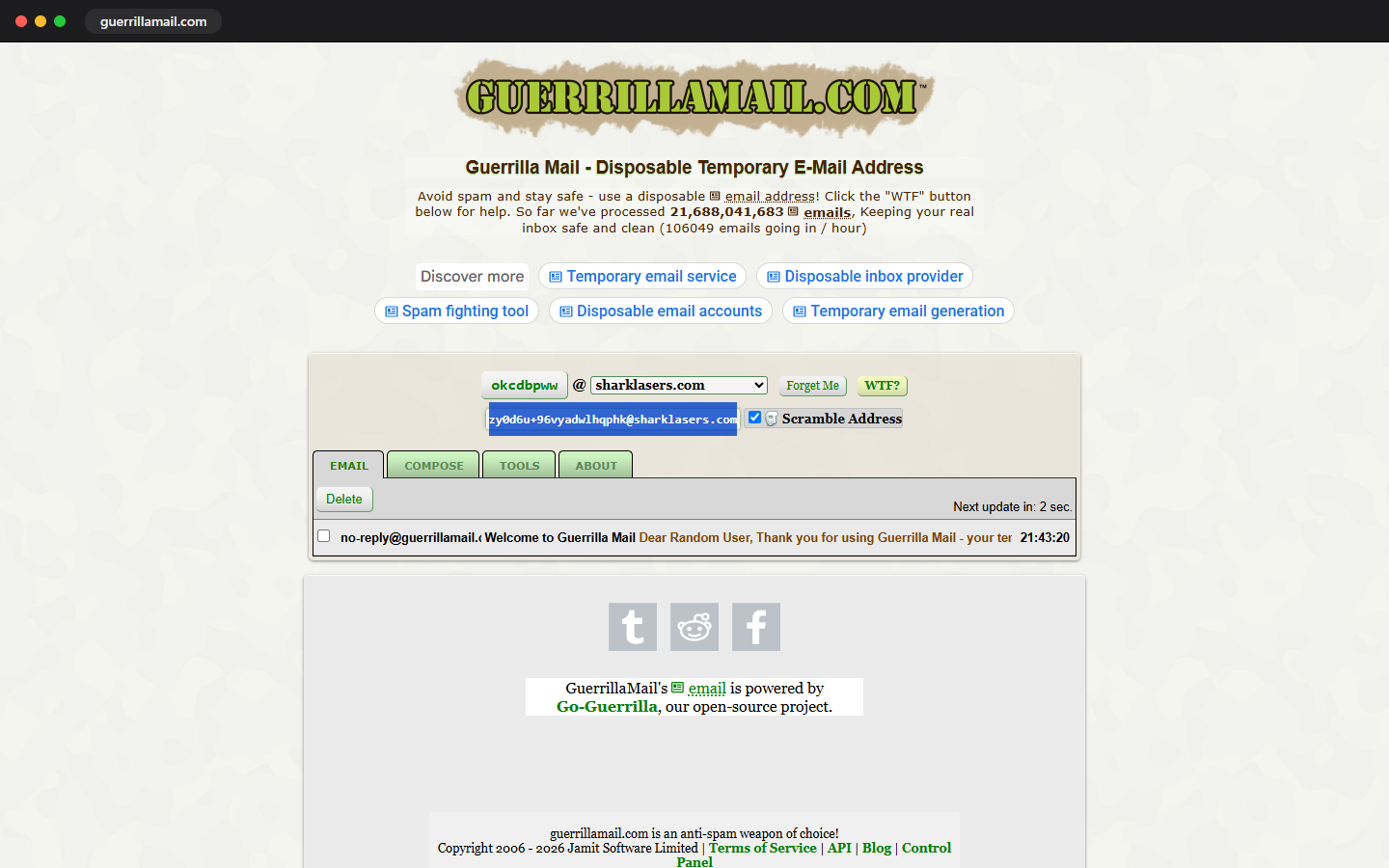
Guerrilla Mail has been around since the early days of disposable email, and it still does the one thing people want fast: a random inbox, ready the moment the page loads, no signup required. You can also type your own name before the domain if you'd rather pick something memorable. Messages typically stick around for about an hour, long enough to grab a verification code or confirm a signup. It's a solid pick when you just want a best temp mail Gmail alternative without extra steps, though its address format is recognizable enough that some stricter sites block it outright.
YOPmail: Works Where Others Get Blocked
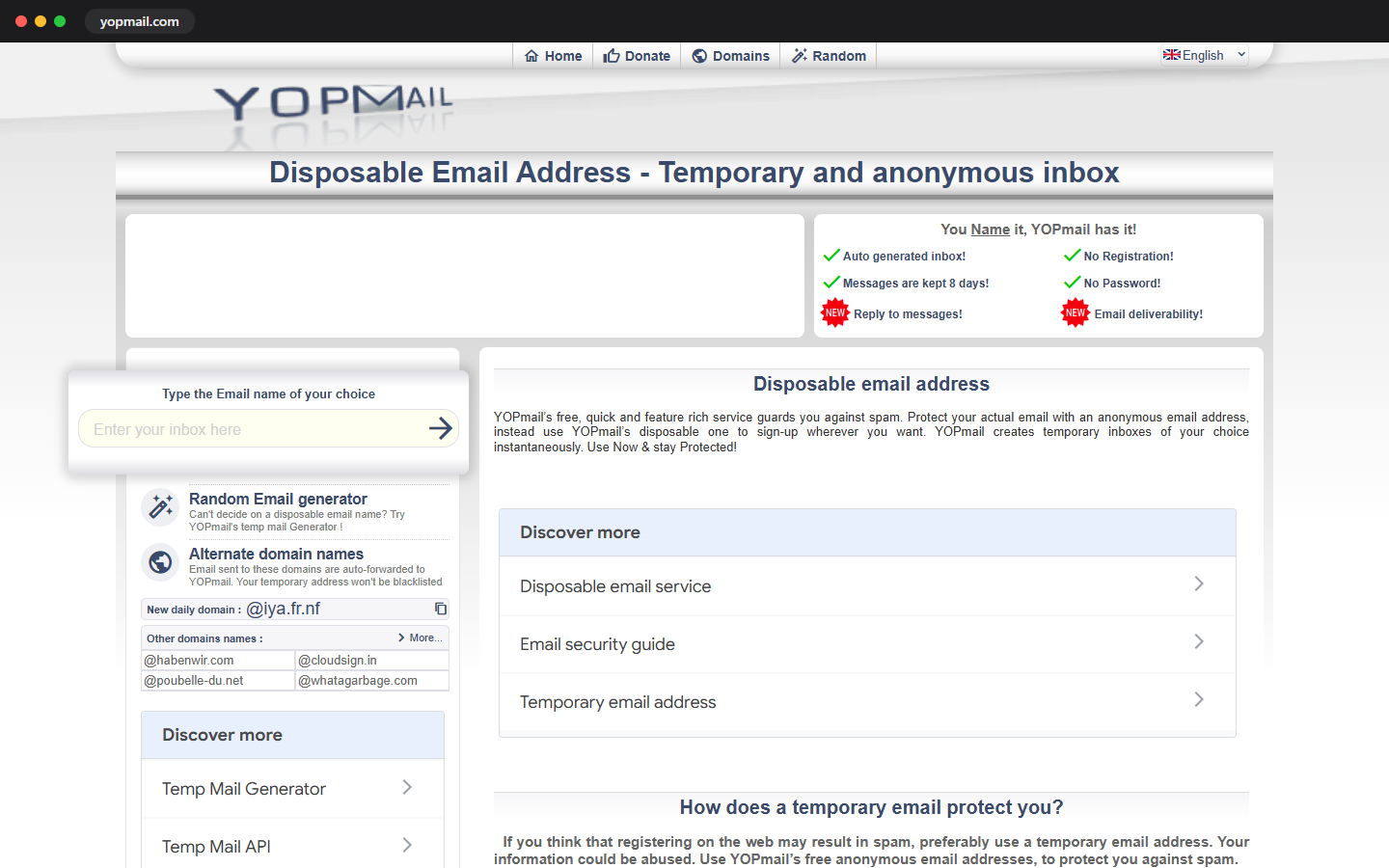
YOPmail takes a different approach: you type any name you want and it just works, no domain to memorize, no setup screen. Its real selling point is reliability on sites that have already blacklisted the obvious temp-mail domains, since YOPmail rotates through several less recognizable ones. Inboxes stay active as long as you keep checking them, which is handy if a verification email takes a while to arrive. It's a dependable choice if you've tried a Gmail temp mail with inbox option before and hit a wall because the service got flagged.
Maildrop: Simple and Upfront About Limits
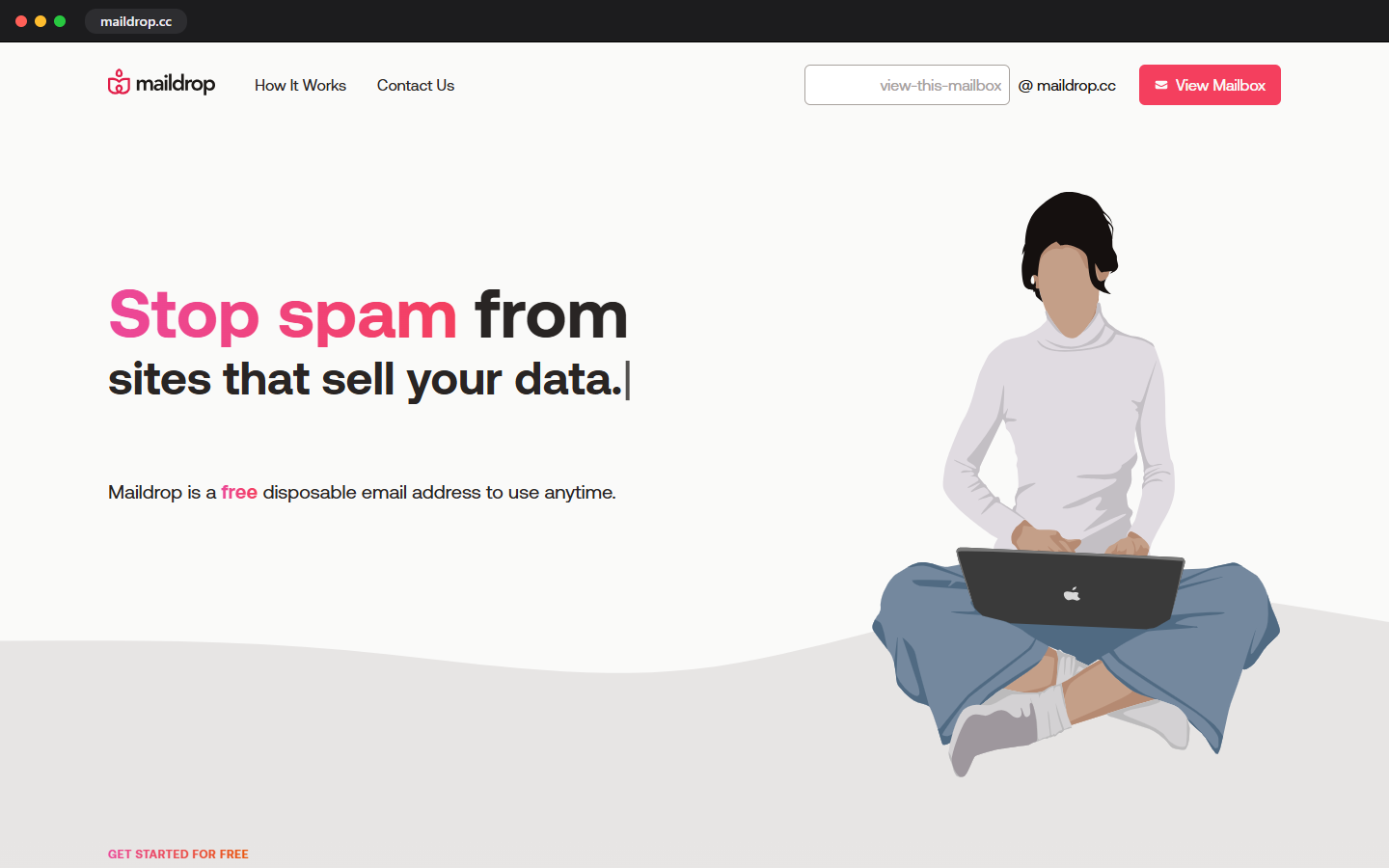
Maildrop keeps things minimal: pick a name, check the inbox, done. What stands out is how openly it explains its own limits on its site, including roughly how long mail sticks around before it's gone for good. That honesty is rare in this space. It's a reasonable backup option, though it's not built for a temporary email and password Gmail-style signup where you need the inbox to persist across a longer session, since the retention window is shorter than some alternatives on this list.
Temp Bmail: Built for Verification, Not Just Inbox Hiding

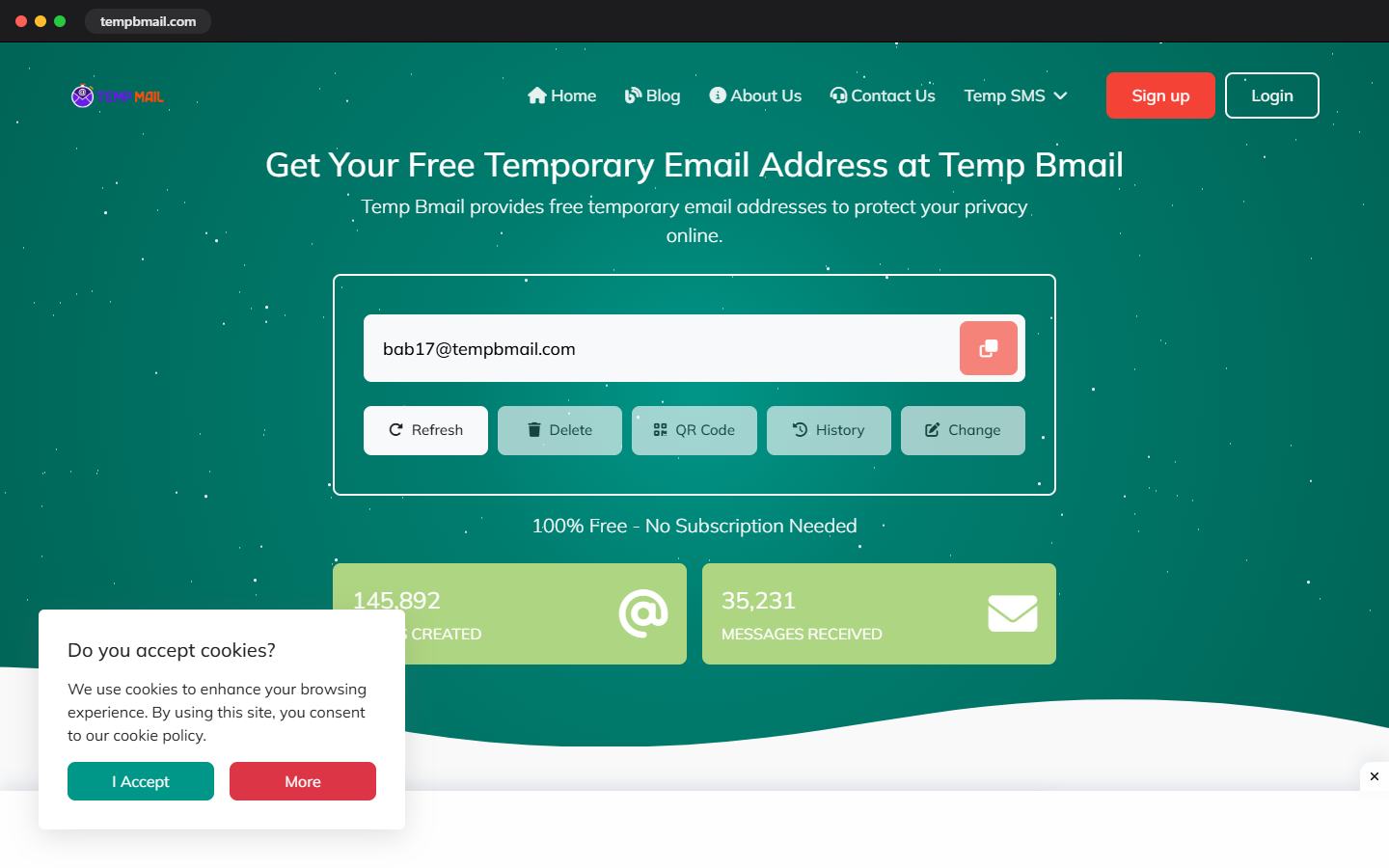
Temp Bmail takes a slightly different angle. You still get an instant disposable address with a live inbox, no account needed, covering the same Gmail temp mail with inbox free use case as the others. The difference shows up when a signup asks for more than an email.
A growing number of apps now want a phone number too, and that's where Temp Bmail's Temp SMS tool comes in: a disposable number, funded from the same free wallet, sitting right next to your inbox in one dashboard. If you've ever cleared the email verification step only to get stuck at the SMS prompt moments later, this closes that gap for good.
Which One Should You Actually Use?
For a single quick OTP or a one-off signup, Guerrilla Mail or YOPmail will do the job in seconds. If a site has already blocked the common domains, reach for YOPmail first. If you want the trick that uses your real Gmail without a separate inbox, plus-addressing works, but only when privacy isn't the point. And if you're setting up an account that wants both an email and a phone number, Temp Bmail is the only service on this list that handles both without sending you to a second tool.
Frequently Asked Questions
Does Gmail have a temporary email feature?
Not officially. Google doesn't offer a disposable Gmail address or a temporary Gmail login. The closest native option is plus-addressing (yourname+tag@gmail.com), which creates a filterable alias but still delivers to your real inbox and is permanently linked to your identity.
What's the best free temp mail for a Gmail-style inbox?
Guerrilla Mail and YOPmail both give you an instant, no-signup inbox that feels similar to checking Gmail. Temp Bmail offers the same experience and adds disposable phone verification in the same dashboard, which the others don't.
Can I use a temporary email for account verification?
Yes, for most signups and one-time codes. Some platforms specifically block known disposable domains, though, so if verification fails on one service, try a different provider or a less common domain name before assuming the account itself is broken.
Is there a Hotmail temp mail option too?
No, Microsoft doesn't offer disposable Hotmail or Outlook addresses either. The same third-party tools above work regardless of which email brand you're avoiding.
Try the One That Covers Both Sides of Verification
Want a tool that covers both halves of a real verification flow? Create a free Temp Bmail account and get an instant disposable inbox plus Temp SMS for accounts that want a phone number too, all from one wallet. Need just the phone side because your email is sorted? Open Temp SMS directly. And if Guerrilla Mail fits your situation better, that's a solid choice too.