5 Best Temp Mail Extensions for Chrome for Creating Disposable Email Addresses
Key takeaways: Every extension on this list is a free temp mail extension for Chrome. The one search intent most "best of" lists skip: a disposable address only works if the website on the other end hasn't already blacklisted it. The more famous a temp-mail brand is, the more likely its domains are sitting on a public disposable-email blocklist. That's why a newer, less-recognized option is often the one that actually gets through.
Most people who search temp mail extension download just want something that works on the first try, without a long comparison essay first. Fair enough — but type "temp mail extension for chrome" into Google and you'll get a dozen near-identical "top 10" lists ranking extensions by install count. That's backwards. A disposable email address is only useful if the signup form on the other end accepts it, and the most-installed, most-recognized temp-mail brands are exactly the ones that get fingerprinted and blocked first. If you've ever had a "this email domain isn't allowed" error on a site, you've run into this. Here are 5 real, currently-live Chrome extensions for creating disposable email addresses, picked with that trade-off in mind, not just by star count.
Why "Popular" Isn't Always "Best" for a Temp Mail Extension
Most signup forms don't block disposable email manually. They check the address against shared, community-maintained blocklists of known disposable-email domains, some covering well over 100,000 domains and updated continuously from abuse reports. The catch: the easiest domains to add to those lists are the ones everyone already recognizes. A temp-mail brand with hundreds of thousands of users is also the brand every list maintainer has already flagged. A newer service with a small, quiet user base simply hasn't been reported yet. That's not a knock on the bigger names below — they're reliable, well-built tools — it's just the real trade-off worth knowing before you pick one.
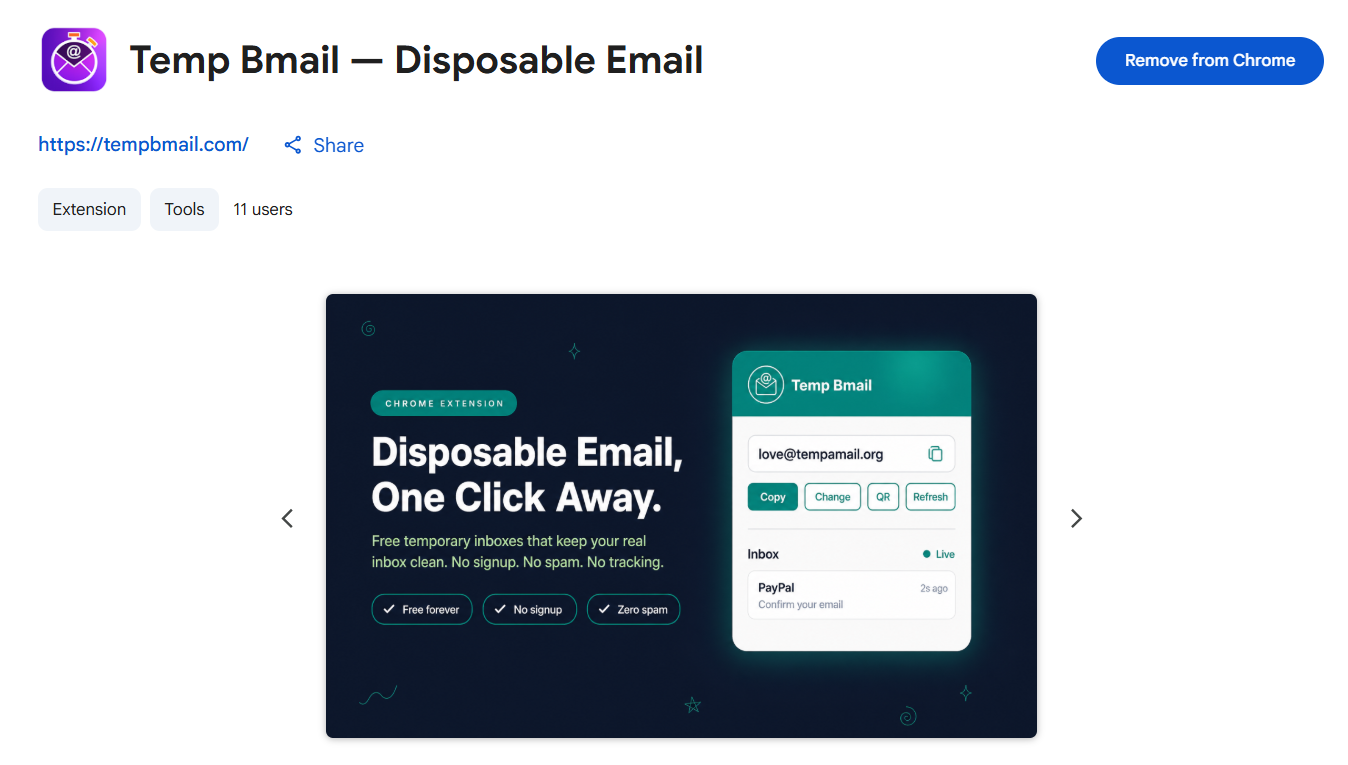
1. Temp Bmail — Disposable Email (Editor's Pick)
Editor's pick
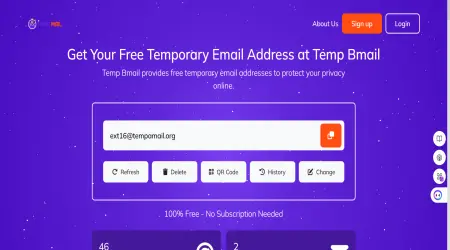
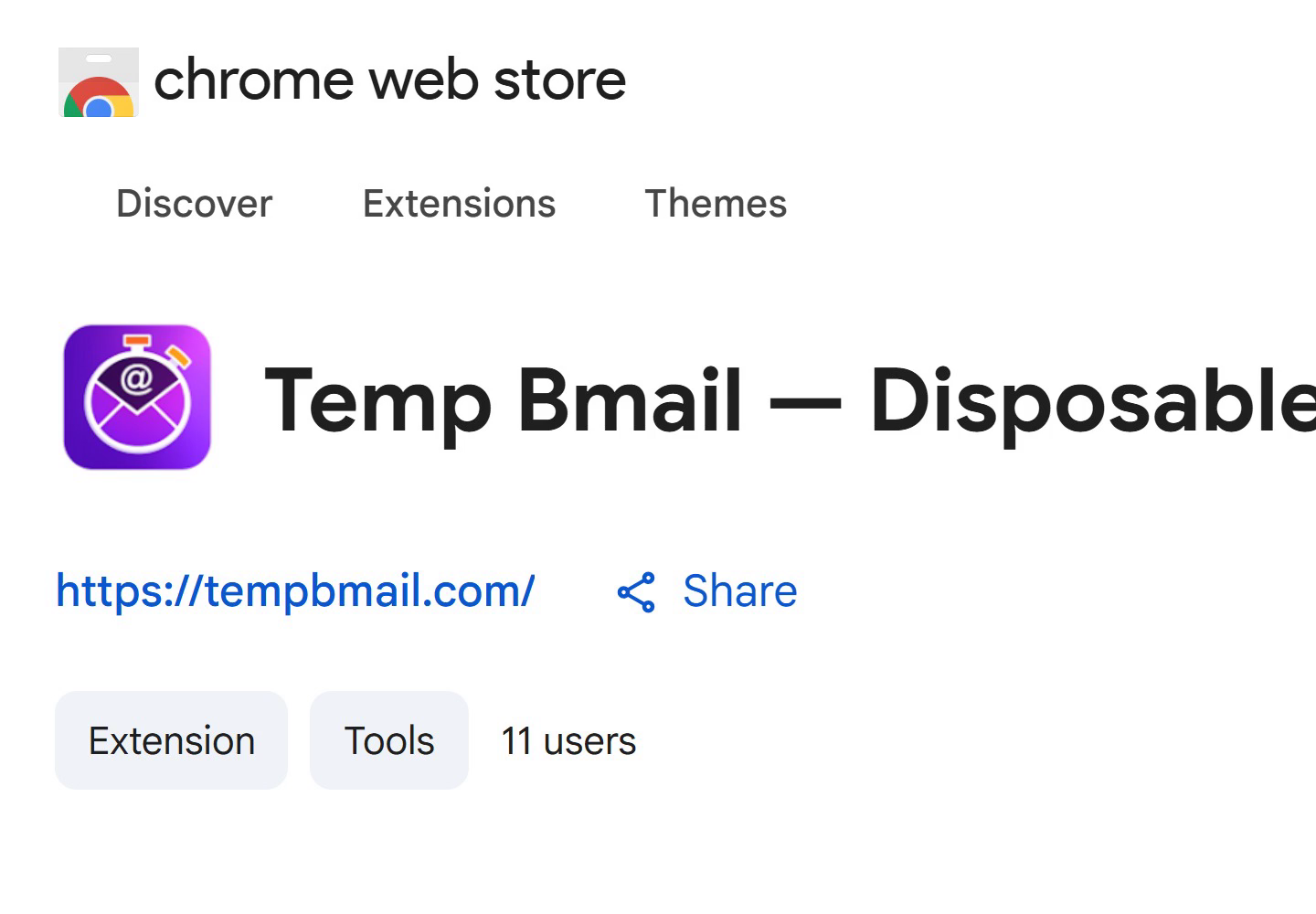
Temp Bmail's own extension is small by design right now, and that's the actual selling point. It's brand new, so its generated addresses haven't had time to land on the big disposable-domain blocklists that trip up older, more famous services. One click gives you a working inbox with zero signup, and it's backed by a full web dashboard at tempbmail.com if you ever want more than the extension alone — including Temp SMS for the phone-verification half of a signup, from the same free account.
Pros: Fresh domains, unlikely to be pre-blocked; completely free; no signup required; paired dashboard with inbox history and a disposable phone number option.
Cons: New extension, so it doesn't have a long public review history yet.
2. Temp Mail - Disposable Temporary Email (Privatix LTD)
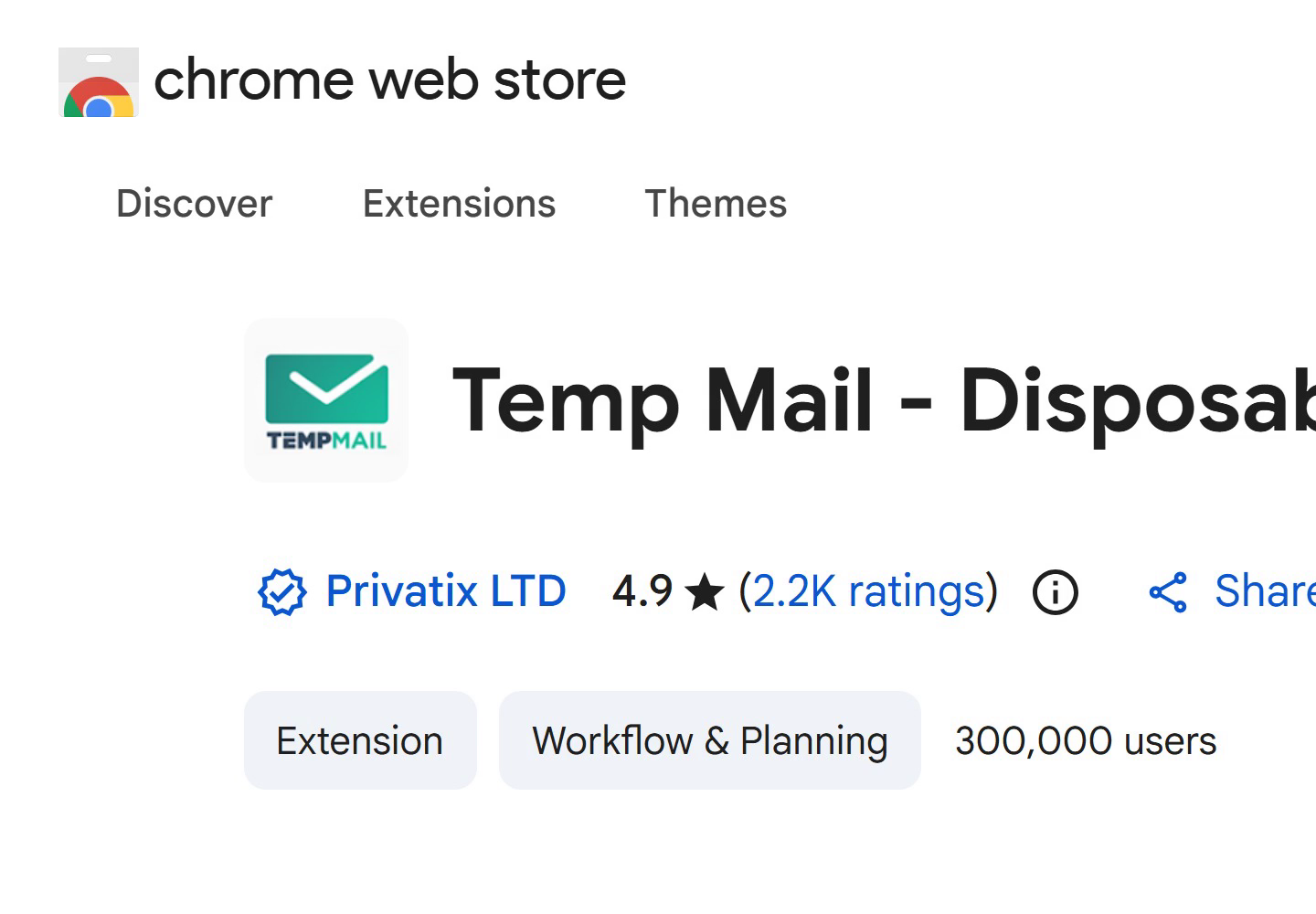
This is the extension most people mean when they search for a temp mail extension for Chrome. Built by Privatix LTD, it's sitting at 4.9 stars from roughly 2,200 ratings and around 300,000 users at the time of writing, which makes it the most mature, most reviewed option here. If you want the safest, most-tested choice and you're not worried about occasional "domain not allowed" rejections, this is it.
Pros: Huge, battle-tested user base; consistently high rating; actively maintained.
Cons: Being the best-known temp-mail brand also means its domains are the most likely to already be on a signup form's blocklist.
Add Temp Mail (Privatix) to Chrome
3. Temporary Email - EmailOnDeck
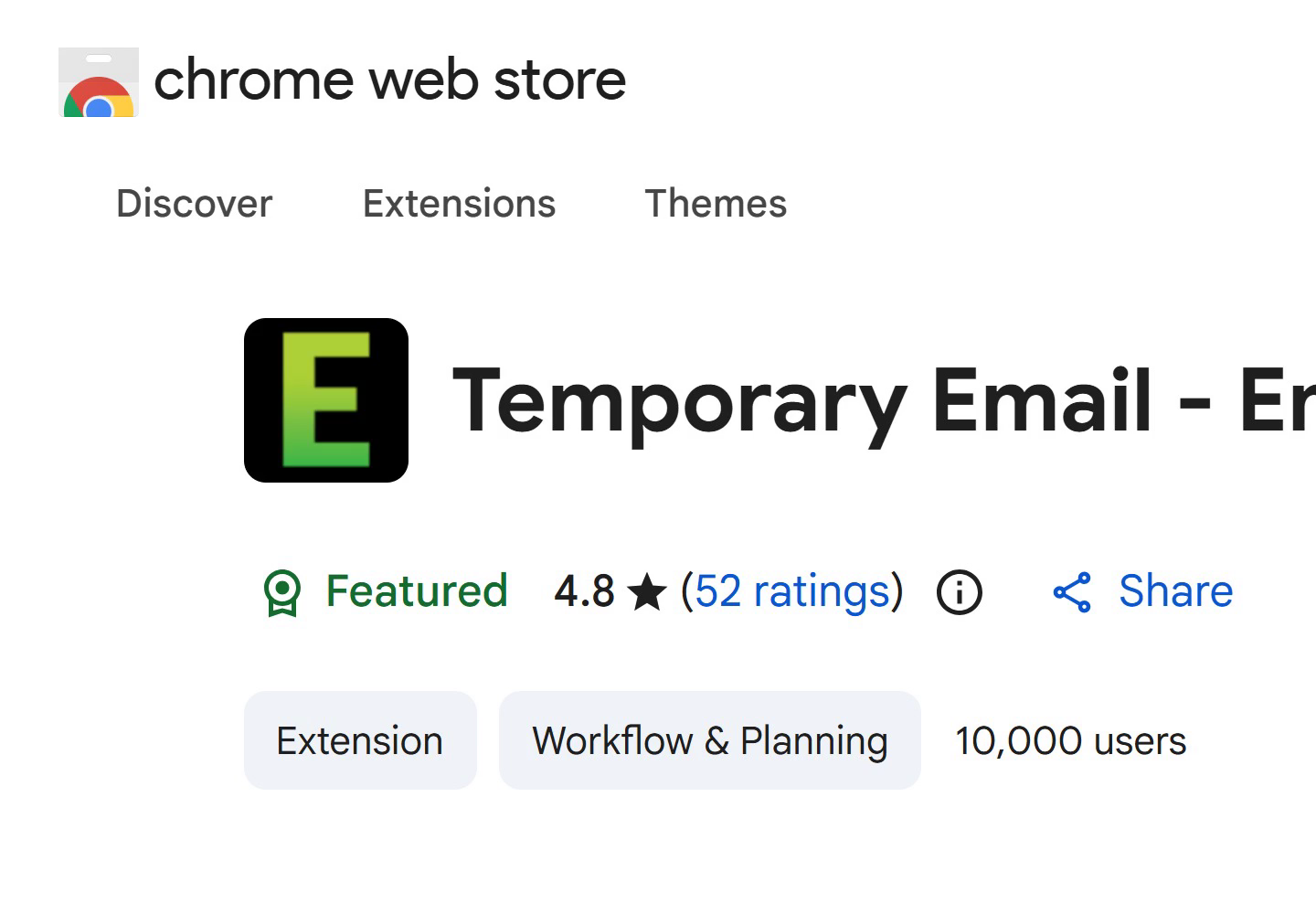
EmailOnDeck's extension carries Google's "Featured" badge, with 4.8 stars from 52 ratings and about 10,000 users. One detail worth knowing before you install anything: check the permissions screen. EmailOnDeck's extension only asks for access to its own domain, emailondeck.com, rather than blanket access to every site you visit — a genuinely useful thing to check on any extension, not just this one.
Pros: Featured by Google; narrow, self-scoped permissions; solid rating from a real review base.
Cons: The free tier is receive-only, so you can read incoming mail but can't send or reply from the generated address.
4. 10 Minutes Email – 10 Minute Disposable Email (Privatix LTD)
From the same team as #2, this is the smaller, Featured sibling extension: 4.9 stars from 28 ratings and about 4,000 users. It's built around a deliberately short-lived address, which is the whole point if you just need to catch one verification code and move on.
Pros: Same trusted maker as the larger Privatix extension; Featured badge; good fit for a single quick verification.
Cons: The fixed 10-minute window can expire before a slow confirmation email shows up.
Add 10 Minutes Email to Chrome
5. Temp Mail – Free Disposable Email (anonymmail.net)
The smallest listing here, with around 56 users. Like Temp Bmail, that low number cuts both ways: little public track record, but also little chance it's been added to a blocklist yet. Worth keeping as a backup pick rather than your main one until it builds up more of a review history.
Pros: Low install count means fresh, likely-unblocked domains; completely free.
Cons: Very thin review history to judge long-term reliability by.
Add Temp Mail (anonymmail.net) to Chrome
Does a "Temp Mail Gmail Extension" Actually Work Inside Gmail?
This search comes up a lot, so it's worth answering directly: none of the extensions above install themselves inside Gmail's compose window. What people usually mean by "temp mail extension for chrome gmail" is simpler — a separate disposable address to use instead of your real Gmail when a site asks for an email, including when you don't want to hand out your actual Gmail address at all. Every extension on this list does exactly that; they just don't touch Gmail's interface directly.
Which One Should You Actually Install?
If you want the single best temp mail extension for Chrome and don't mind an occasional block, go with Privatix's Temp Mail — it's the most tested. If you want better odds of getting past a signup form on the first try, pick one of the smaller, newer options — Temp Bmail or anonymmail.net's extension — since their domains haven't been widely reported yet. Either way, every extension here is a genuine free temp mail extension for Chrome, so there's no cost to keeping two installed and switching if one gets rejected. If all you're after is a temp mail extension for chrome free of any catch, every option above clears that bar.
Frequently Asked Questions
Is there a free temp mail extension for Chrome?
Yes, all five extensions in this list are free to install and use. None require a paid plan just to generate a disposable email address, though a couple reserve sending (not just receiving) mail for a paid tier.
Why did a website reject my disposable email address?
Most likely because its signup form checks new addresses against a public disposable-domain blocklist, and your extension's domain was already on it. Switching to a newer, less widely used extension often solves this immediately.
Can I download a temp mail extension for Chrome without creating an account?
Yes. Every extension covered here generates a working inbox the moment you install it, with no signup, email, or password required.
Do these extensions work for Gmail sign-ups specifically?
Yes — you can use any of them to receive the verification email when creating a new Gmail account, the same as for any other website.
More Than Just Email
If the site you're signing up for also wants a phone number, a disposable inbox alone won't get you through. Temp Bmail pairs its free disposable email with Temp SMS in the same dashboard, or you can browse every official Temp Bmail app and extension on the extensions page.